POS Billing Software
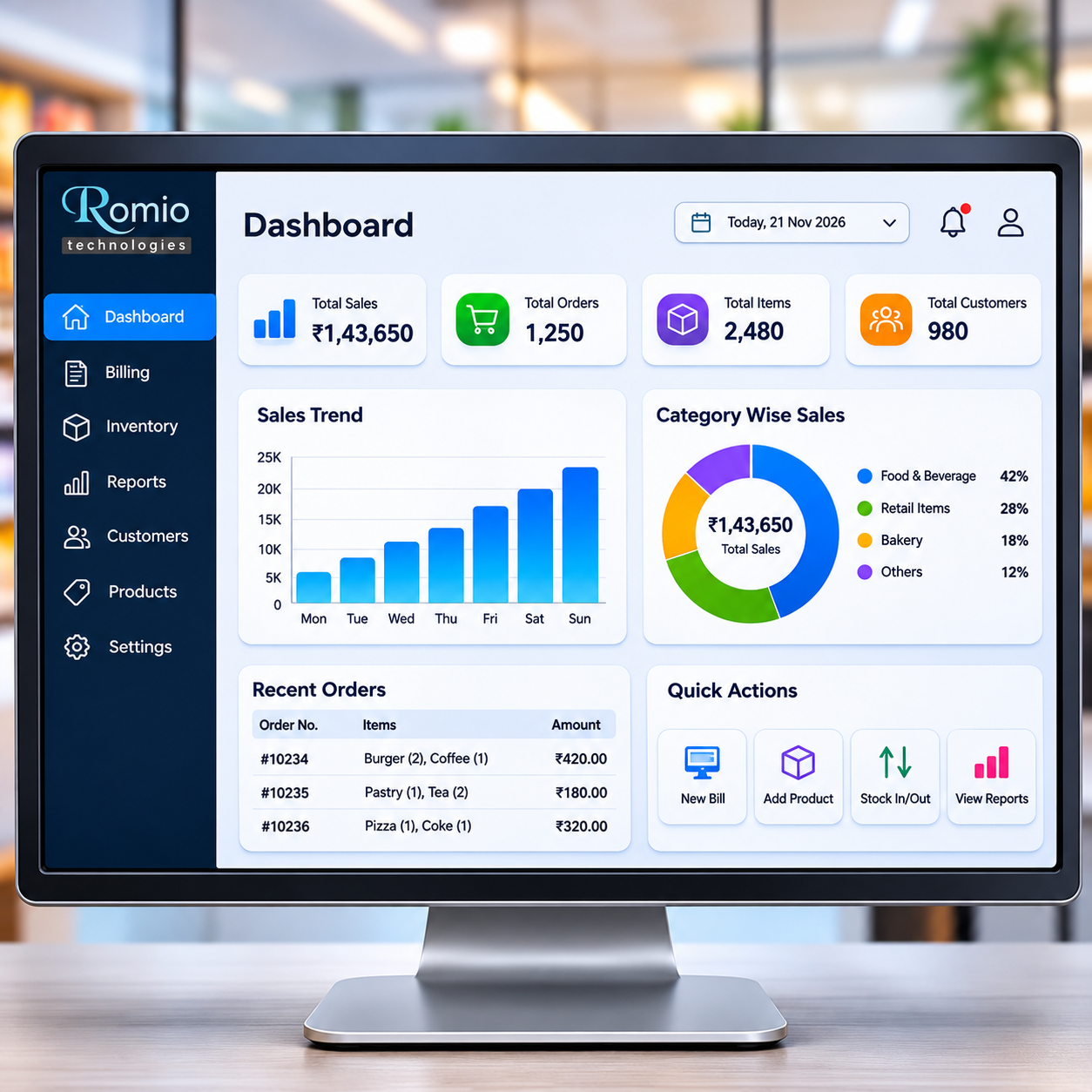
Make everyday billing simpler with Romio POS Billing Software. Manage fast billing, GST, barcode scanning, inventory, payments and business reports from one connected system built around your business needs.
18+ Years
Industry Experience
8,200+
Installations Across India
Pan India
Business Solutions
Complete POS
Hardware & Software
What Is POS Billing Software?
POS Billing Software (Point of Sale Billing Software) is a digital system that helps businesses create bills, process payments, record sales and manage daily transactions at the checkout counter.
A modern POS system goes beyond billing. It can connect product records, inventory, barcode scanning, discount options, payment tracking and sales reports in one place. Retail staff can scan products and generate invoices, while restaurants can manage orders, tables and payment workflows.
Romio Technologies provides POS billing solutions for businesses that need a connected billing setup, with software and hardware options based on their workflow.
POS BUSINESS OVERVIEW
Today โพโน24,850
186
342
Smart Features for Faster Business Operations
Explore the billing, inventory and business management features designed to simplify everyday operations.
Smart & Fast Billing
Generate bills quickly, manage items and apply discounts with an easy-to-use POS billing interface.
A Complete Billing Setup with Smart Hardware Integration
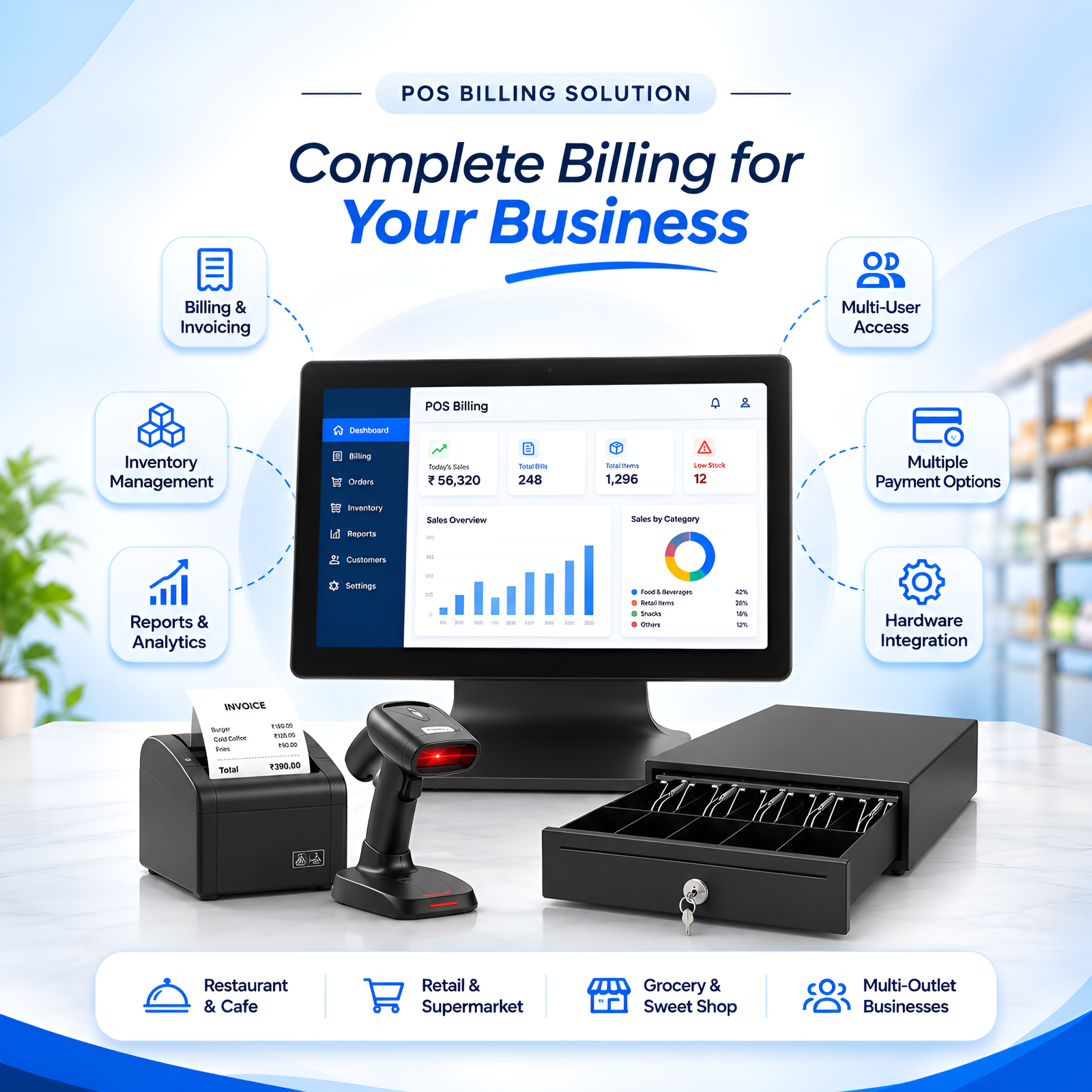
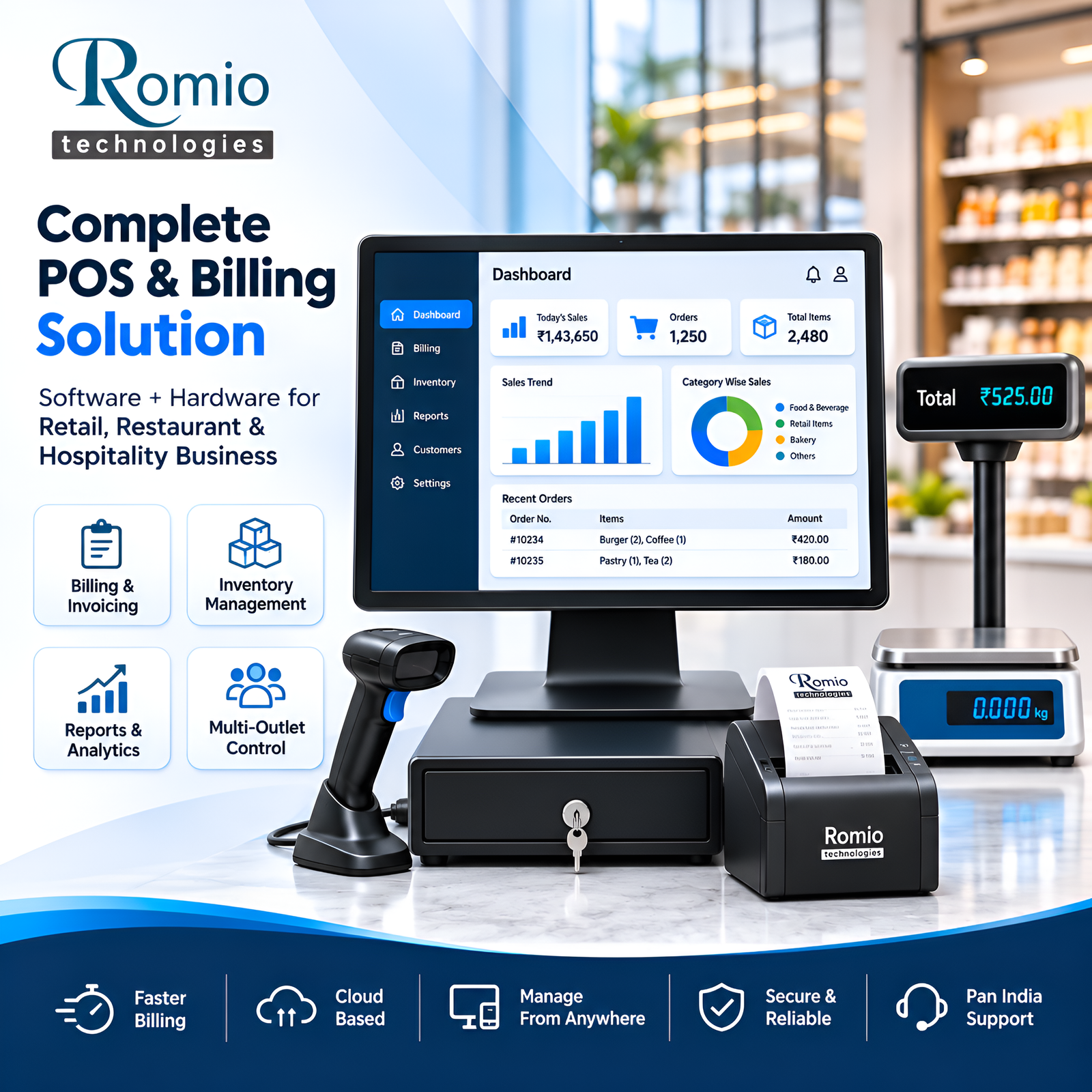
Romio POS Billing Software connects your billing counter with essential hardware devices to make everyday business operations faster, more organized and easier to manage.
POS Billing Machine
Run your billing software on an integrated POS machine or computer setup for smooth checkout, easy product selection and convenient daily billing.
Barcode Scanner
Scan product barcodes to quickly identify items, fetch product details and speed up the billing process while reducing manual data entry.
Thermal Receipt Printer
Print customer bills and receipts directly from your POS system using a compatible thermal printer for a quick and professional checkout experience.
Cash Drawer
Keep cash payments organized at your billing counter with a compatible cash drawer designed to support a more structured checkout workflow.
Electronic Weighing Scale
Support weight-based billing for grocery stores, sweet shops and retail businesses selling loose or weighing-based products.
Customer Display Screen
Let customers view item details, bill amounts and transaction information on a customer-facing display during the checkout process.
POS Billing Software Key Features
Helpful billing and business management features designed to support everyday counter operations, improve accuracy and simplify business workflows.
Fast Point of Sale Billing
Create bills, add items, adjust quantities and calculate totals quickly at the counter with an organized billing workflow.
GST Billing & Tax Support
Configure GST and tax details for invoices according to your business setup and applicable requirements.
Barcode Support
Scan products to quickly add item information and speed up billing. Barcode workflows help reduce repeated manual searches.
Inventory & Stock Management
Maintain product records, quantities and stock movement information to improve visibility of inventory availability.
Multiple Payment Options
Record cash, UPI, card and other supported payment types. Split or manage payment workflows depending on setup.
Multiple Access Rights
Configure staff permissions for selected functions such as billing, discounts, reports and system settings.
Easy Table Shifting
Move active table orders when guests change tables, helping staff keep order and billing details organized.
Flexible Discount Options
Configure applicable offers, promotional discounts and bill adjustments according to permissions and business rules.
Weighing Machine Integration
Connect compatible weighing devices for weight-based billing in grocery, sweet shops and other retail businesses.
Reports & Accounting View
Access sales, payment, day-end and stock reports to review activity and support your accounting workflow.
Item-Based Billing
Select products, add quantities and generate itemized bills with configured prices and taxes.
Sales & Business Reports
Review daily business transactions and available performance information to understand sales activity.
POS Billing Software Pricing
POS pricing depends on the software modules, number of counters, hardware, integrations and customization needed for your business. Share your requirements and our team can recommend a suitable setup.
How POS Billing Works
A straightforward billing workflow can help staff learn the system and serve customers efficiently.
Add Items
Enter products, prices, categories, tax details and stock information.
Make a Bill
Select or scan items, update quantities and review the bill before checkout.
Accept Payment
Record payments using cash, card, UPI or other configured payment options.
Review Reports
View sales, stock and business reports to monitor your daily operations.
One POS System for Every Industry
From quick billing to inventory control, Romio POS helps businesses manage daily sales and operations with a system designed around their needs.
Restaurants & Fine Dining
Manage table orders, menu billing, customizations and payments for a smooth dining experience.
Sweet Shops
Handle counter billing, product quantities, packed orders and inventory for daily sweet sales.
Food Courts
Speed up billing, manage multiple food counters and keep customer orders organized.
Kids Play Zones
Manage entry tickets, play sessions, packages and add-on services from your billing counter.
Pubs & Bars
Track drink orders, manage tabs, process payments and handle busy service hours efficiently.
Hotels & Hospitality
Organize restaurant billing, service orders and daily transactions for hospitality businesses.
Cloud Kitchens
Manage takeaway orders, food billing, menu items and order payments from one system.
Grocery & Supermarkets
Speed up checkout with barcode scanning, stock updates, product management and fast billing.
Cafรฉs & Coffee Shops
Bill beverages, snacks, combos and customized orders with a simple checkout workflow.
Pizza Shops
Manage pizza sizes, toppings, add-ons, combo offers and takeaway billing.
Ice Cream Parlours
Manage flavour options, scoops, toppings, packaged products and quick counter sales.
Liquor Stores
Maintain product-wise billing, stock records, pricing and sales reports for store operations.
Bakeries
Bill bakery products, cakes, custom orders and packaged items while tracking inventory.
Retail Stores & Showrooms
Manage product sales, discounts, customer billing, barcode scanning and stock records.
Jewellery Stores
Organize product billing, item details, customer transactions and sales reporting.
Multi-Outlet Businesses
Manage billing workflows, product data and business reports across multiple locations.
Why Choose Romio Technologies?
Romio Technologies provides POS software and hardware solutions for businesses across India. Our team works with different industries to identify the suitable billing setup, devices and software features for day-to-day business operations.
From a single billing counter to specialized restaurant workflows, discuss your business needs with our team to plan a POS solution that fits your operations.
Talk to POS Expert โ
Frequently Asked Questions
Common questions about POS billing, features, integrations and choosing a system.
What is POS Billing Software?
How does POS Billing Software help a business?
Does Romio POS support GST billing?
Can I connect a barcode scanner to POS software?
Does POS Billing Software include inventory management?
Can Romio POS handle multiple payment methods?
Is POS software suitable for restaurants?
Can I integrate a weighing machine with POS?
What hardware is needed for POS Billing Software?
Does POS software provide accounting and reports?
How much does Romio POS Billing Software cost?
Why choose Romio Technologies for POS solutions?
Looking for a POS Billing Solution for Your Business?
Talk to Romio Technologies about billing software, hardware integration and POS features for your shop, restaurant, cafe or business. Share your requirements and get help planning a suitable setup.
Request a Quote / Free Consultation โ