romiotech

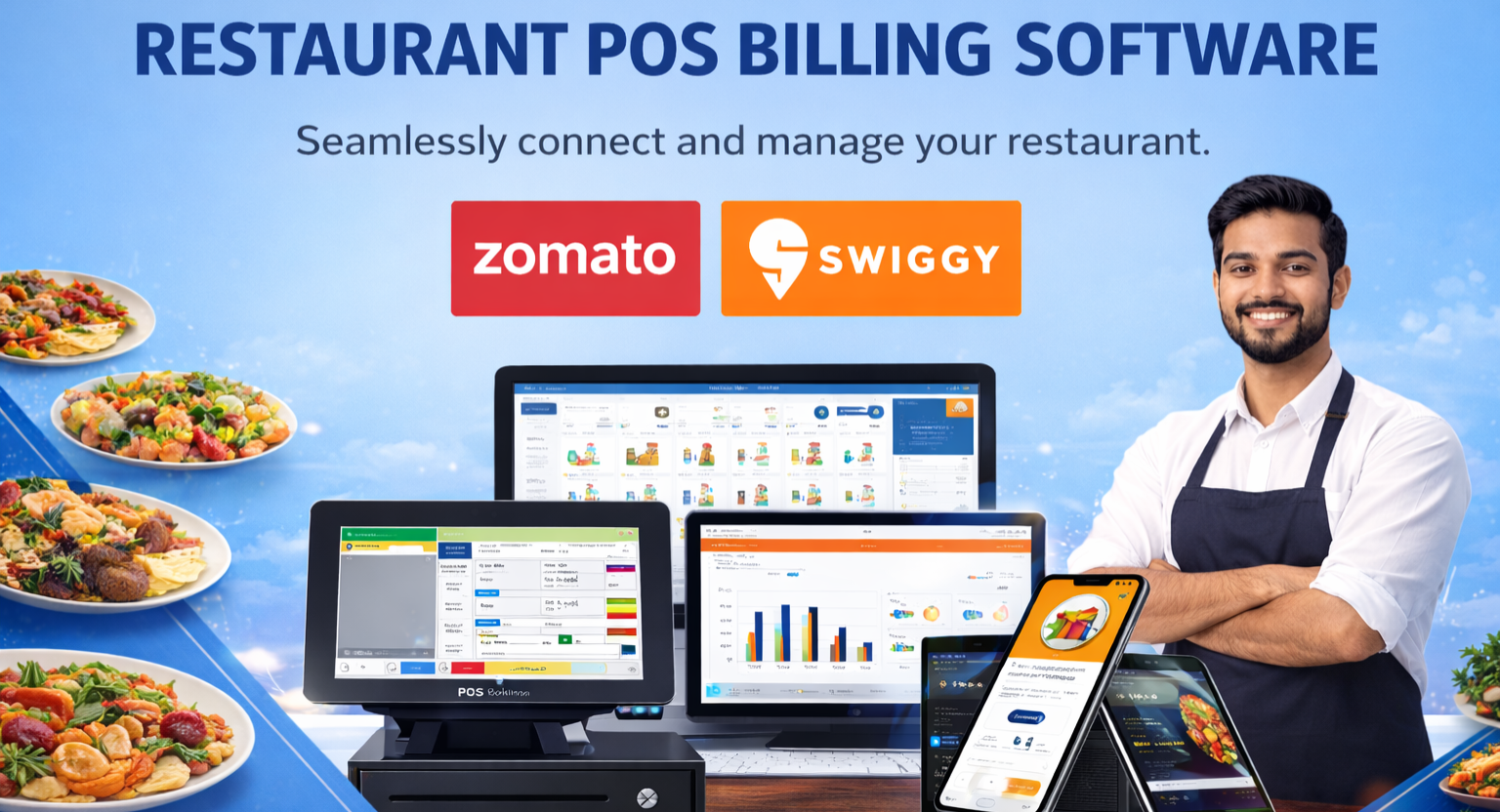
Restaurant POS Billing Software

Restaurant POS Billing Software with Powerful Integrations

Romio Restaurant POS is a billing system that caters to the Restaurants. Its graphics based interface makes it easy to use and fast to implement hence reducing the training time. The system is suited for different type of hospitality set ups from Fine Dining to Quick Service, Cafes, Bars, Pubs, Food Court, Membership club and any more. The system is suited for different type of hospitality set ups from Fine Dining to Quick Service, Cafes, Bars, Pubs, Food Court, Membership club and any more..Our Restaurant POS Billing System is equipped with multiple features like

Romio Restaurant POS is a complete billing and restaurant management system built for every type of food business in India. It connects your POS with food delivery apps, payment gateways, WhatsApp, SMS, accounting software, and more giving you one system that runs your entire restaurant.

Why Romio Is India's Preferred Restaurant POS Software

Romio POS is designed to simplify operations, reduce errors, and increase efficiency. Its graphics-based interface is easy to learn and quick to set up, which means your staff spends less time training and more time serving customers.

Core POS Features

Everything you need to run daily operations

Table management

Easy table shifting, split bills item-wise or amount-wise, multiple KOT by category

Access rights

Role-based access and inbuilt theft management to prevent billing fraud

Menu management

Unlimited categories, sub-categories, happy hours and promotional offers

CRM & loyalty

Customer records, loyalty points, birthday offers and feedback tracking

Reports & analytics

Real-time reports on sales, billing, inventory, payments and staff activity

Inventory management

Track raw materials, stock alerts, and variance reports to reduce wastage

Table and Order Management

Table and Order Management
  • Split bills item-wise or amount-wise
  • Multiple KOT management by menu category
  • Promotional offers and happy hour settings
  • Discount management for dine-in and takeaway
  • Multiple access rights for staff roles

Menu and Category Management​

Create unlimited menu categories and sub-categories. Add items, update prices, and organise your menu by course, cuisine type, or dietary preference — all in a few clicks.

Swiggy and Zomato POS Integration

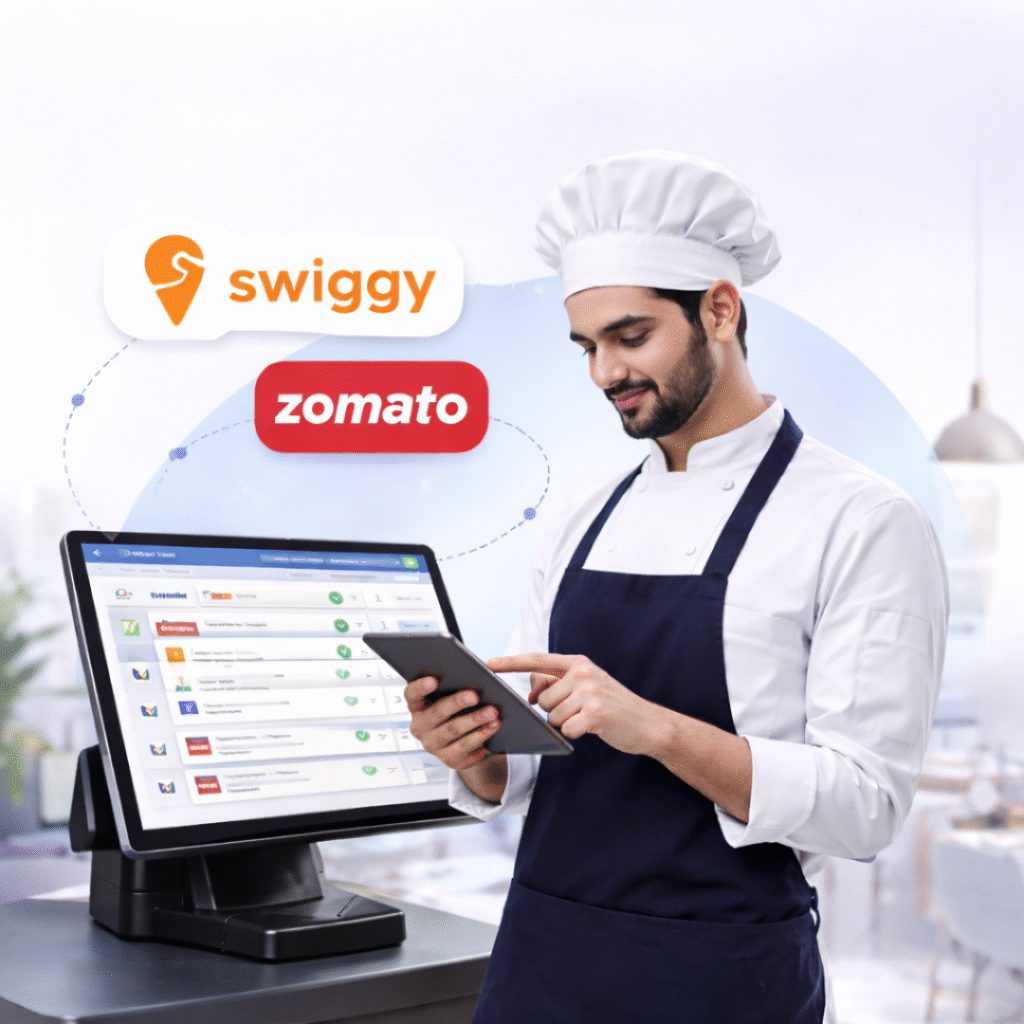
Receive orders directly from Swiggy and Zomato into your POS — no manual entry, no separate tablets needed. This reduces errors and helps you serve more customers faster.

  • Auto-receive orders from Swiggy and Zomato in your POS
  • Manage and dispatch delivery orders from one screen
  • Generate separate sales reports for each aggregator
  • Avoid multiple ordering panels with one consolidated view
  • Supports Dunzo and Magicpin integrations as well

This feature is especially useful for cloud kitchens handling high online order volumes.

WhatsApp and SMS Integration

WhatsApp and SMS Integration

Send bills, order confirmations, delivery updates, and promotional offers directly to your customers via WhatsApp and SMS — all from within your POS system.

  • Send digital bills to customers on WhatsApp after every order
  • Send order confirmation and delivery status updates via SMS
  • Run promotional campaigns and offers through WhatsApp broadcast
  • Send birthday and anniversary discount messages automatically
  • Reduce printing costs with WhatsApp-based billing
  • Improve customer engagement and bring repeat orders

Payment Method Integrations

Payment Method Integrations_

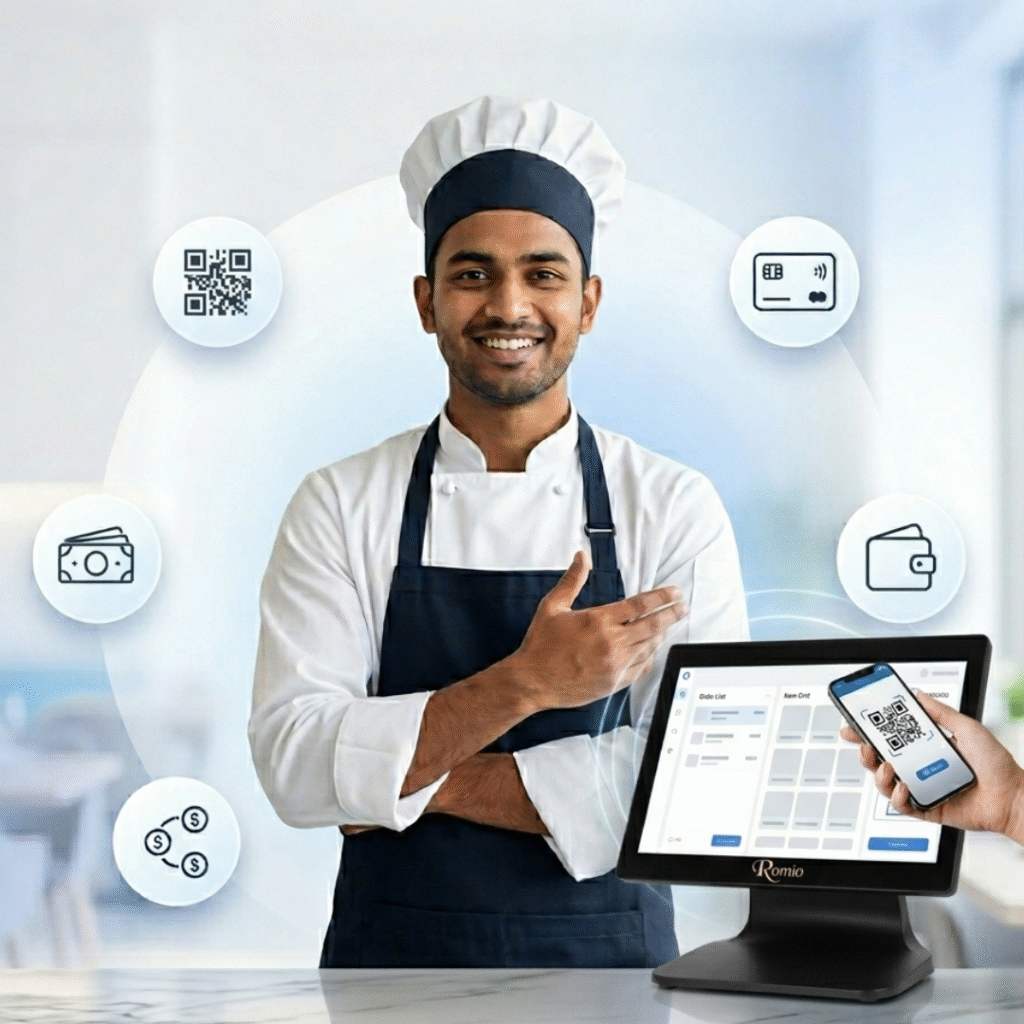
Romio POS supports all major payment methods used in India, making checkout fast and convenient for every type of customer.

  • UPI payments (Google Pay, PhonePe, Paytm, BHIM)
  • Razorpay and PayU payment gateway integration
  • Credit card and debit card payments
  • Cash payments with drawer management
  • Wallet payments
  • Split payment across multiple modes in one bill
  • Auto-reconciliation of all payment types in daily reports

No customer has to wait at the counter because their preferred payment method is not supported.

Home Delivery and Takeaway Management

Home Delivery and Takeaway Management

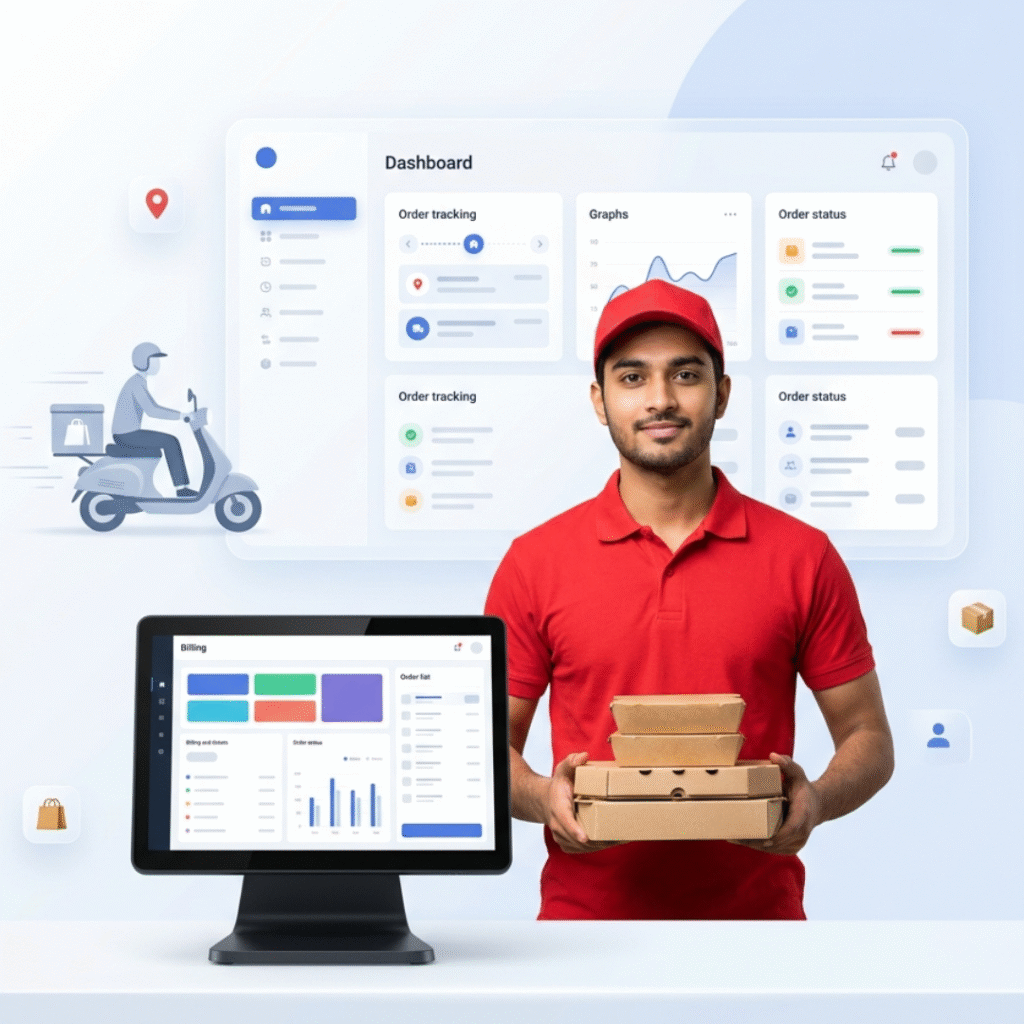
Track every home delivery order from placement to doorstep. Romio POS integrates delivery management with CRM to maintain records of every order, customer, and delivery executive.

  • Complete billing for home delivery and takeaway
  • Manage packaging charges and delivery fees
  • Capture and store customer information for future orders
  • Assign delivery boys and track order status in real time
  • Collect and record customer feedback after every delivery

Online Ordering Portal Integration

Online Ordering Portal Integration

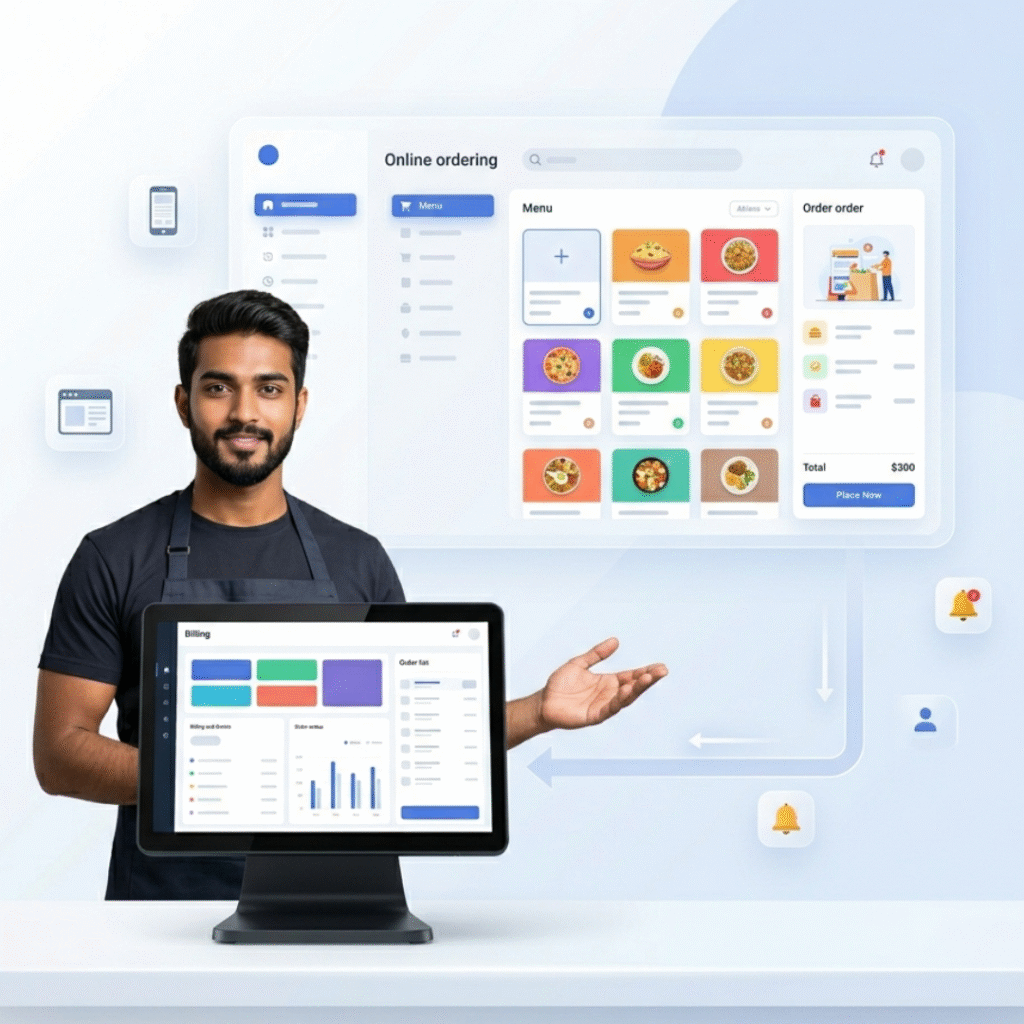
Beyond aggregators, Romio POS also connects with your own branded online ordering portal. Orders placed through your website or app flow directly into your POS.

  • Receive orders from your own online portal directly into POS
  • Maintain customer records through the built-in CRM
  • Process all orders from one consolidated screen

Loyalty, CRM and Customer Engagement

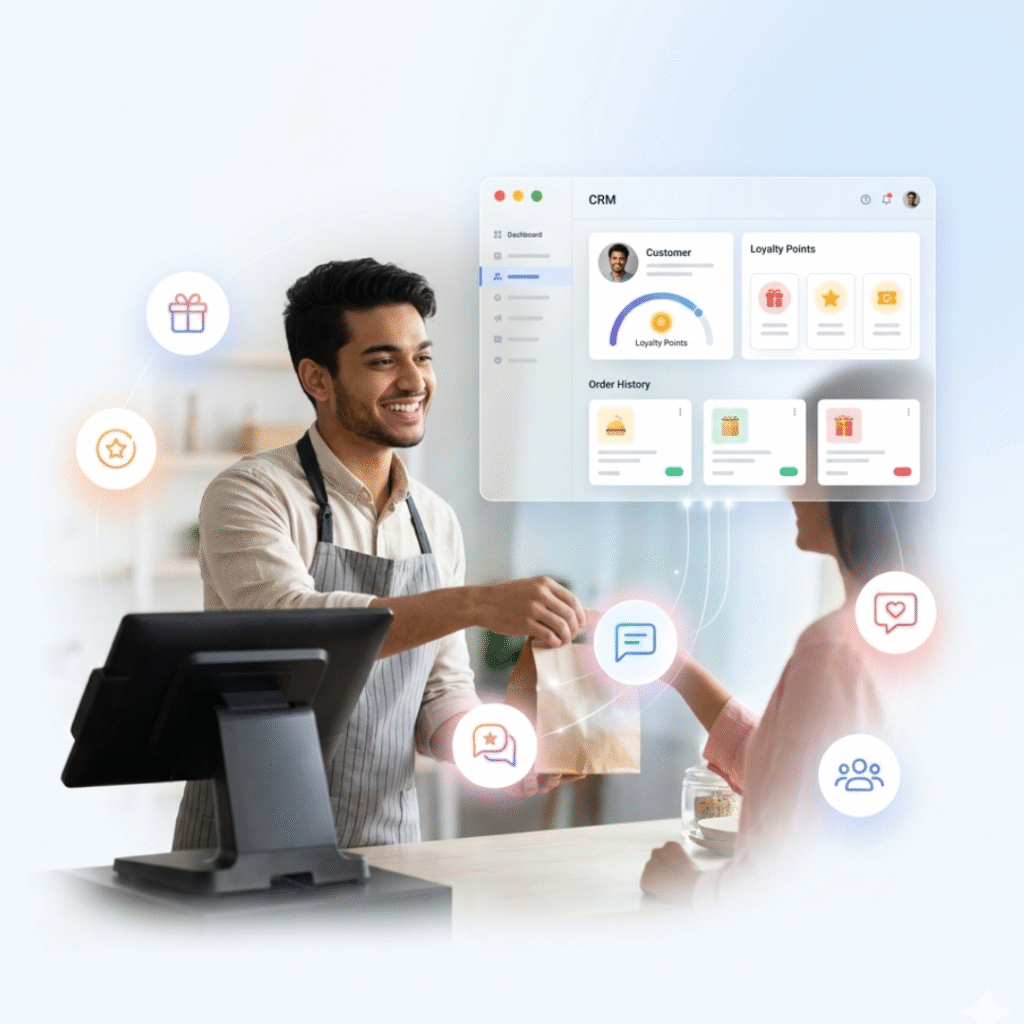
Build a loyal customer base with Romio’s built-in CRM and loyalty programme tools.

  • Loyalty points system — earn and redeem on every visit
  • Customer profile management with order history
  • Birthday and anniversary offer automation via WhatsApp or SMS
  • Customer feedback collection after dine-in and delivery

Kitchen Display System (KDS)

Kitchen Display System (KDS) and Hardware Integration

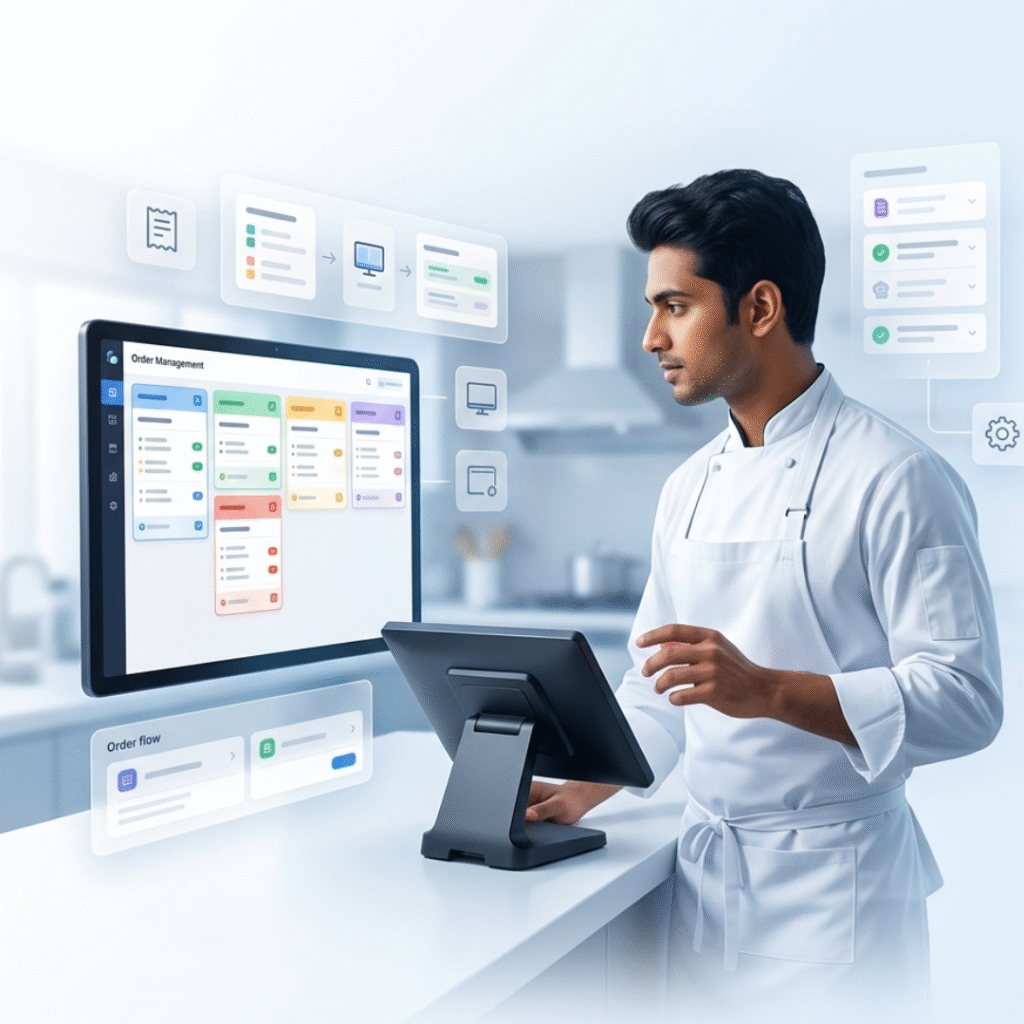
Romio POS works with all standard restaurant hardware so you do not need to replace your existing equipment.

  • Kitchen Display System (KDS) for paperless kitchen operations
  • Thermal receipt printer integration
  • Barcode and QR code scanner support
  • Cash drawer integration
  • Customer-facing display for order confirmation

Weighing scale integration for QSR and bakery billing

Accounting and GST Integration

Accounting and GST Integration

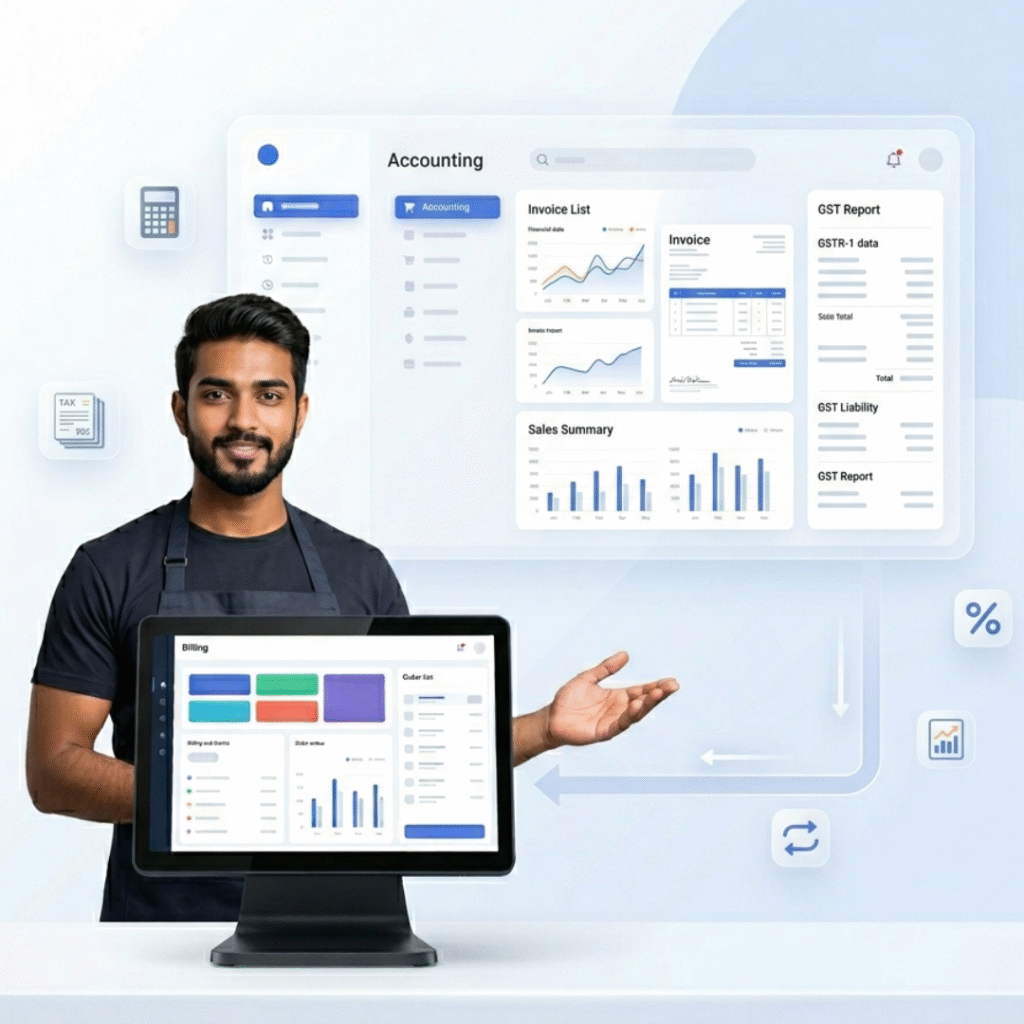
Keep your accounts clean and GST-compliant without any extra effort. Romio POS integrates with leading accounting software used by Indian restaurants.

  • Tally integration for seamless account sync
  • Busy accounting software integration
  • GST e-invoicing support for compliance
  • Auto-generate GST reports for monthly filing

Daily sales and expense data pushed to accounting software automatically

Inventory Management

Inventory Management

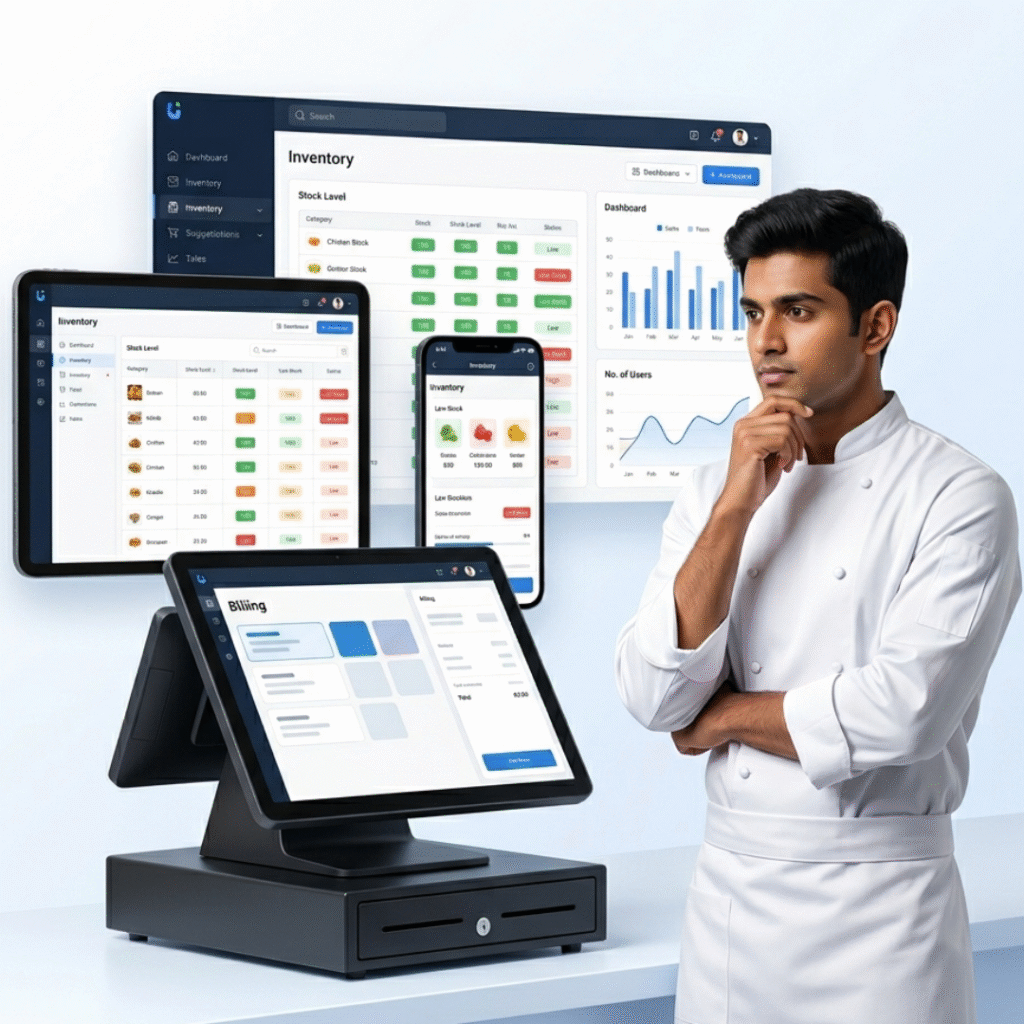
Know exactly what is in your kitchen at all times. Romio’s inventory module tracks raw materials, semi-finished goods, and finished products.

  • Manage all stock entries in one place
  • Track raw materials, semi-finished, and finished products
  • Stock-in and stock-out entries linked to your menu
  • Low stock alerts when items fall below set levels

Variance reports comparing actual vs ideal consumption to reduce wastage

Reports and Analytics

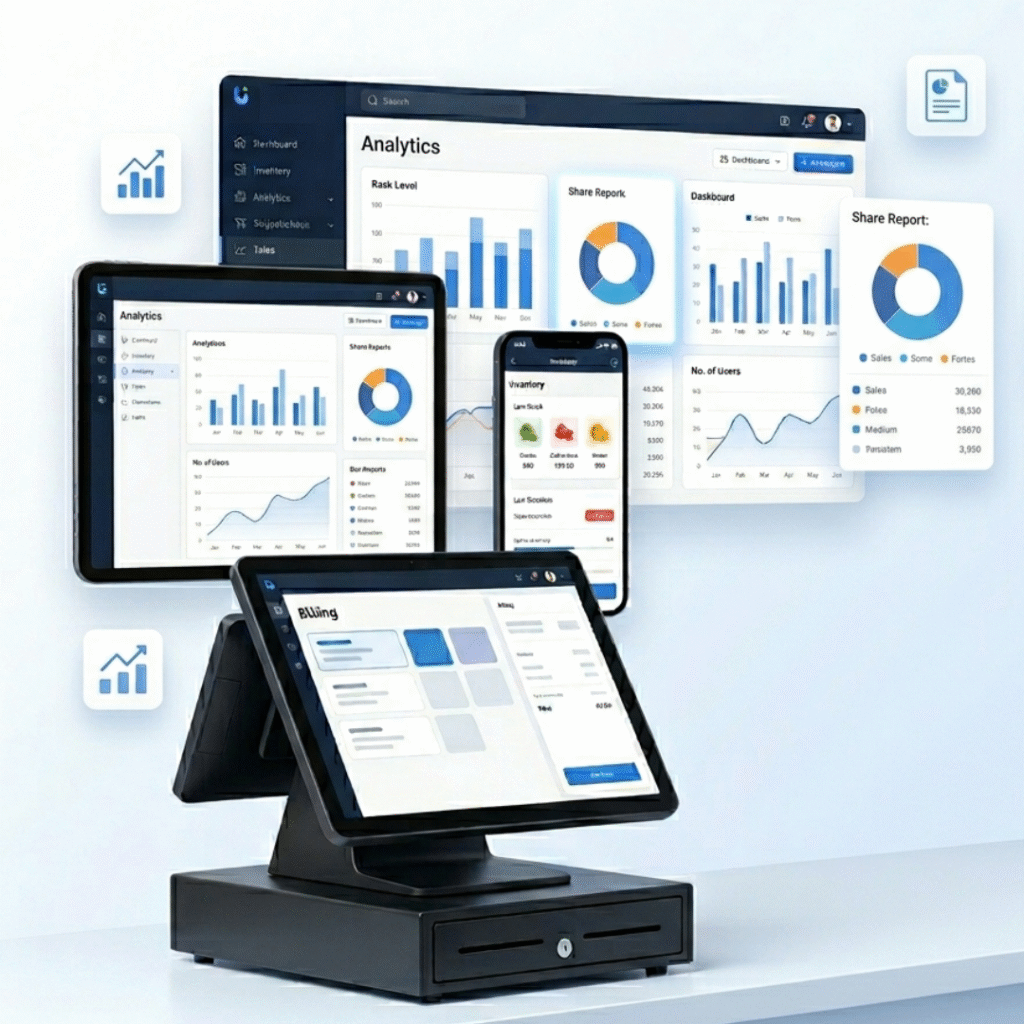
Make smarter decisions with real-time reports across all areas of your restaurant.

  • Sales and billing reports by date, item, or category
  • Inventory, purchase, and consumption reports
  • Payment mode-wise collection reports (UPI, card, cash, wallet)
  • Swiggy and Zomato order reports by aggregator
  • WhatsApp and SMS campaign performance reports
  • Cashier and discount accountability reports

Variance reports for wastage control

Who Is Romio POS Built For?

Romio POS works for all types of food and hospitality businesses — fine dining restaurants, quick-service restaurants, cafés, bars, pubs, food courts, cloud kitchens, and membership clubs.

Frequently Asked Questions

Does Romio POS support UPI and Razorpay payments?

Yes. Romio POS supports all major Indian payment methods including UPI (Google Pay, PhonePe, Paytm), Razorpay, PayU, credit/debit cards, cash, and wallets — all in one system.

Can I send bills to customers on WhatsApp?

Yes. Romio POS integrates with WhatsApp Business API. You can send digital bills, order confirmations, delivery updates, and promotional messages directly to your customers on WhatsApp.

Does Romio POS integrate with Swiggy and Zomato?

Yes. Orders from Swiggy and Zomato are received directly in your POS. No manual entry is needed, and you can generate separate reports for each aggregator.

Can Romio POS connect with Tally for accounting?

Yes. Romio POS integrates with Tally and Busy accounting software. Daily sales data syncs automatically, making GST filing and account management much easier.

Does Romio POS support a loyalty programme?

Yes. The built-in CRM and loyalty module lets customers earn and redeem points, and you can automate birthday and anniversary offers via WhatsApp or SMS.

Is Romio POS suitable for cloud kitchens?

Yes. With Swiggy, Zomato, Dunzo, and online ordering integrations, Romio POS is ideal for cloud kitchens managing multiple delivery platforms from one screen.
Get a Free Demo of Romio Restaurant POS

See all integrations in action. Book a free demo today and our team will show you exactly how Romio POS fits your restaurant’s workflow. 

Simplify Your Restaurant Billing – Book a Free Demo Today!