Digital Menu Board Solutions for Restaurants, Cafes & Retail
- Key Features
- Available Variants
- Technical Specifications
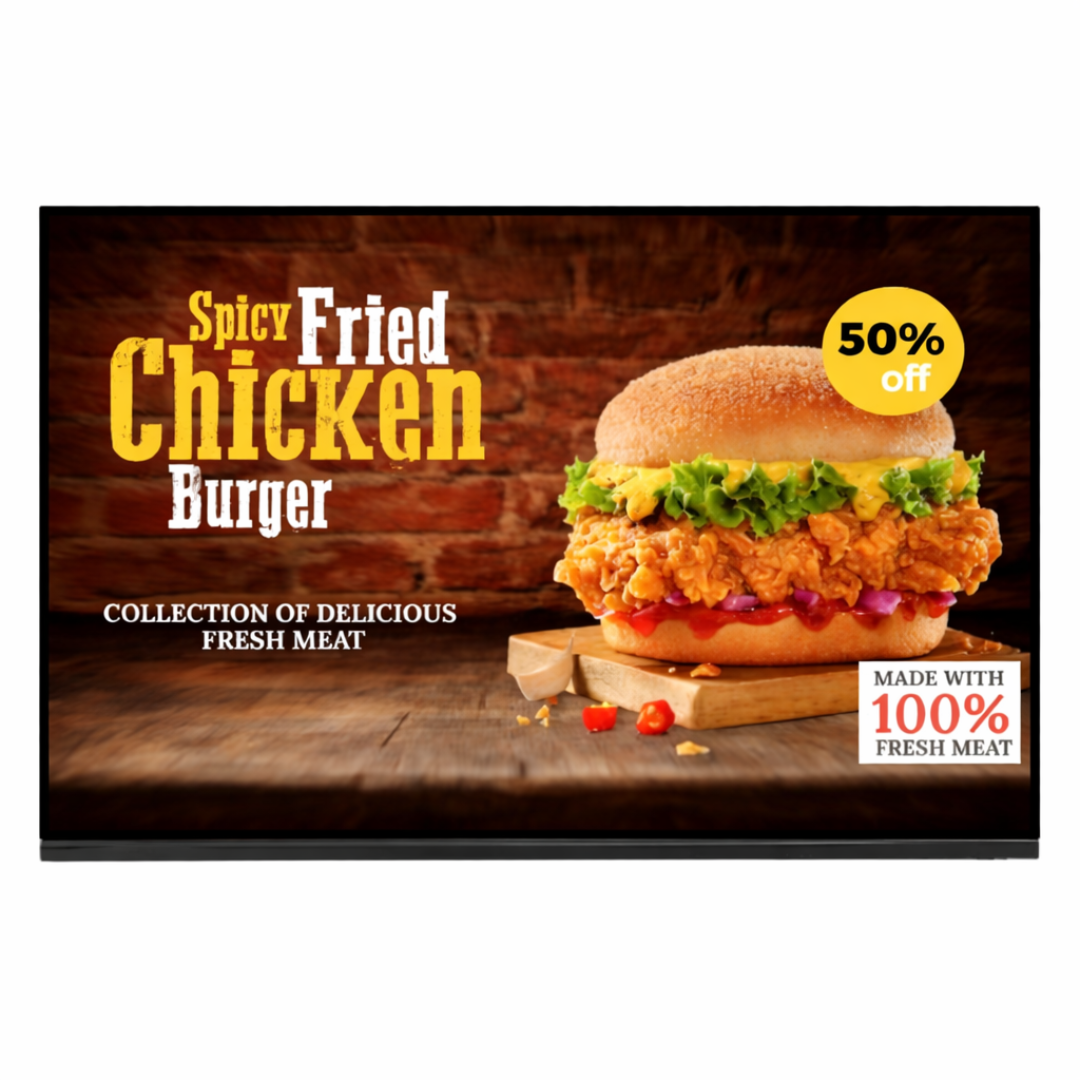
Image & Video Display: Present appealing food visuals and combos
Live Ticker Support: Scroll promotions or special messages
Group Display Control: Apply content across multiple screens at once
Split-Screen Functionality: Show different content in different screen regions
Multi-Orientation Support: Use vertically or horizontally as needed
Dynamic Content Scheduling: Schedule time-based content for better targeting
Auto Start: Automatically resumes display after reboot
Remote Management: Manage content from any location
Offline/Online Mode: Operate with or without internet
Menu Board 32 Inch
Menu Board 43 Inch
Menu Board 50 Inch
Menu Board 55 Inch
| Feature | Description |
|---|---|
| Display Types | Images, Videos, Scrolling Tickers |
| Screen Layout | Supports multi-region split screens |
| Orientation Support | Portrait and Landscape |
| Control Mode | Online and Offline |
| Management System | Remote Content Scheduling & Group Control |
| Auto Start Functionality | Yes |
| Use Case | Restaurants, QSRs, Cafés, Retail Spaces |
Turn Your Menu into a Digital Experience
A digital menu board is an electronic display used to show menus, prices, product images, videos and promotional messages. Unlike a printed menu, digital content can be updated through a compatible content management system.
Restaurants can highlight meal combinations and daily specials. Cafes can showcase beverages and desserts, while food courts can use multiple screens for different menu categories.
Choose a Digital Menu Board That Fits Your Space
From a single screen at a cafe counter to multiple displays in a food court, choose a configuration based on your menu, viewing distance and installation area.
Single-Screen Menu Board
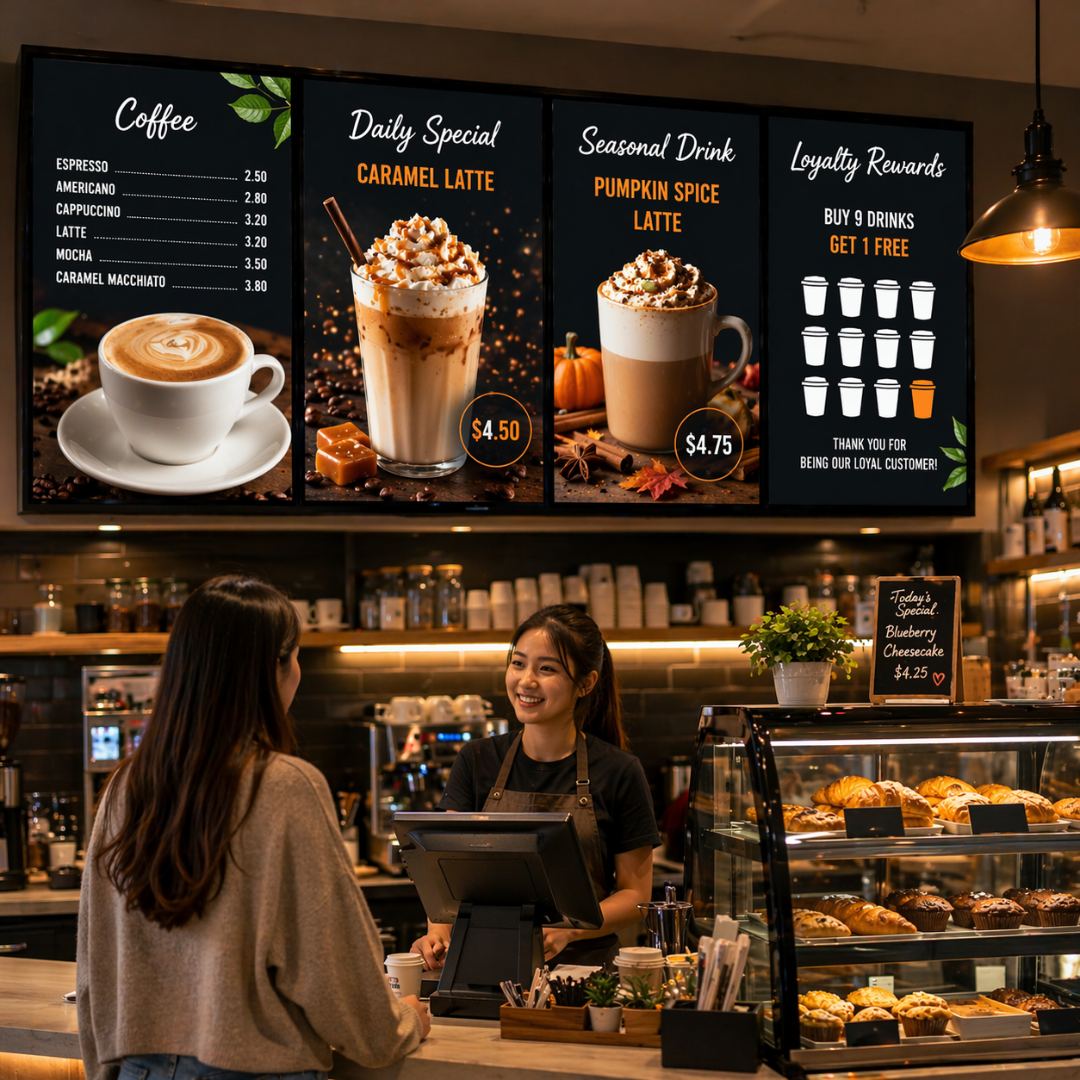
A practical option for cafes, bakeries and compact counters that need one clear display for menus and promotions.
Multiple-Screen Menu Board
Use separate screens for food categories, beverages, combo meals and promotional content. Multi-screen control depends on system configuration.
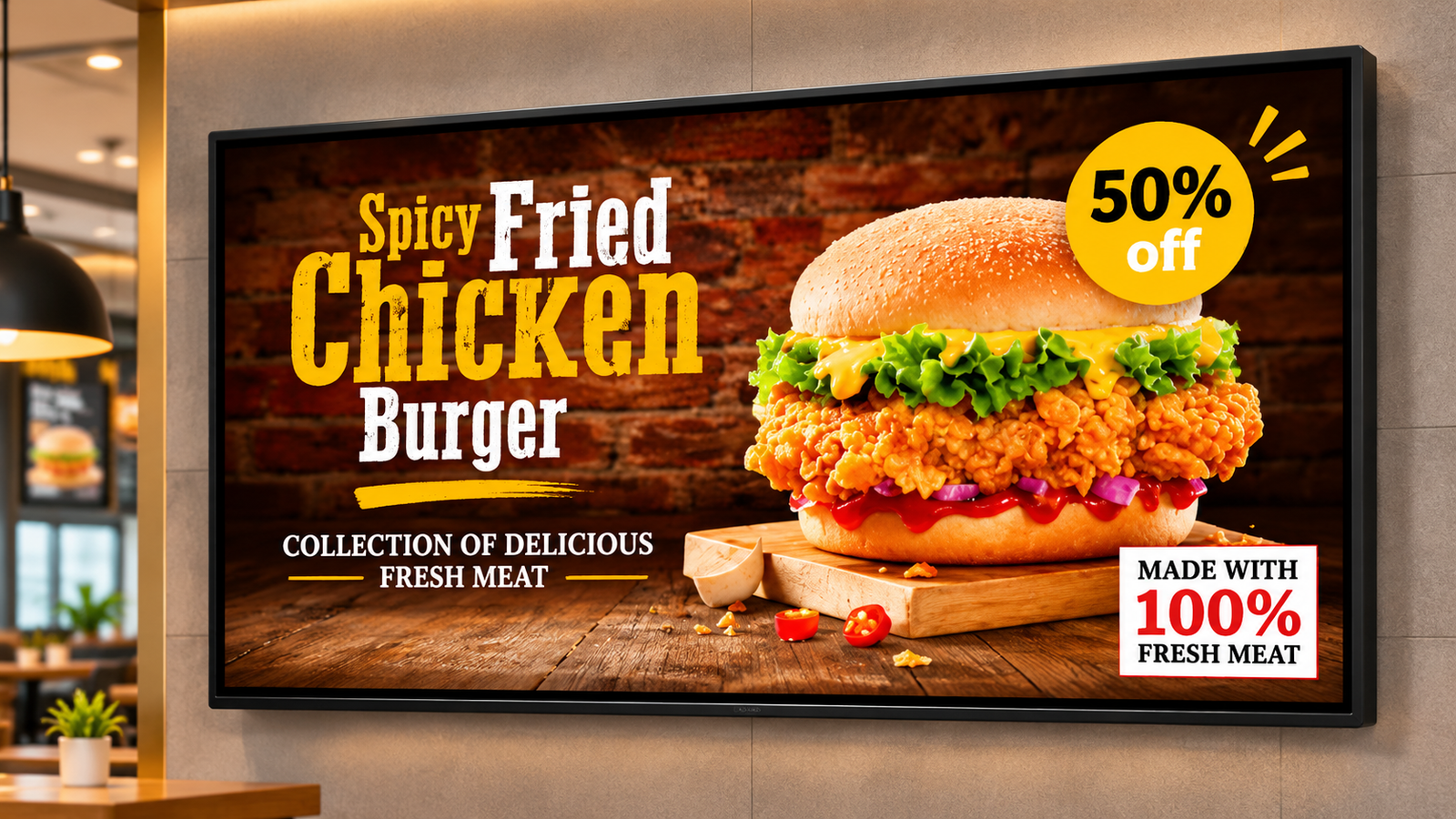
Wall-Mounted Menu Board
Install displays above counters or service areas to make menu information visible while making effective use of wall space.
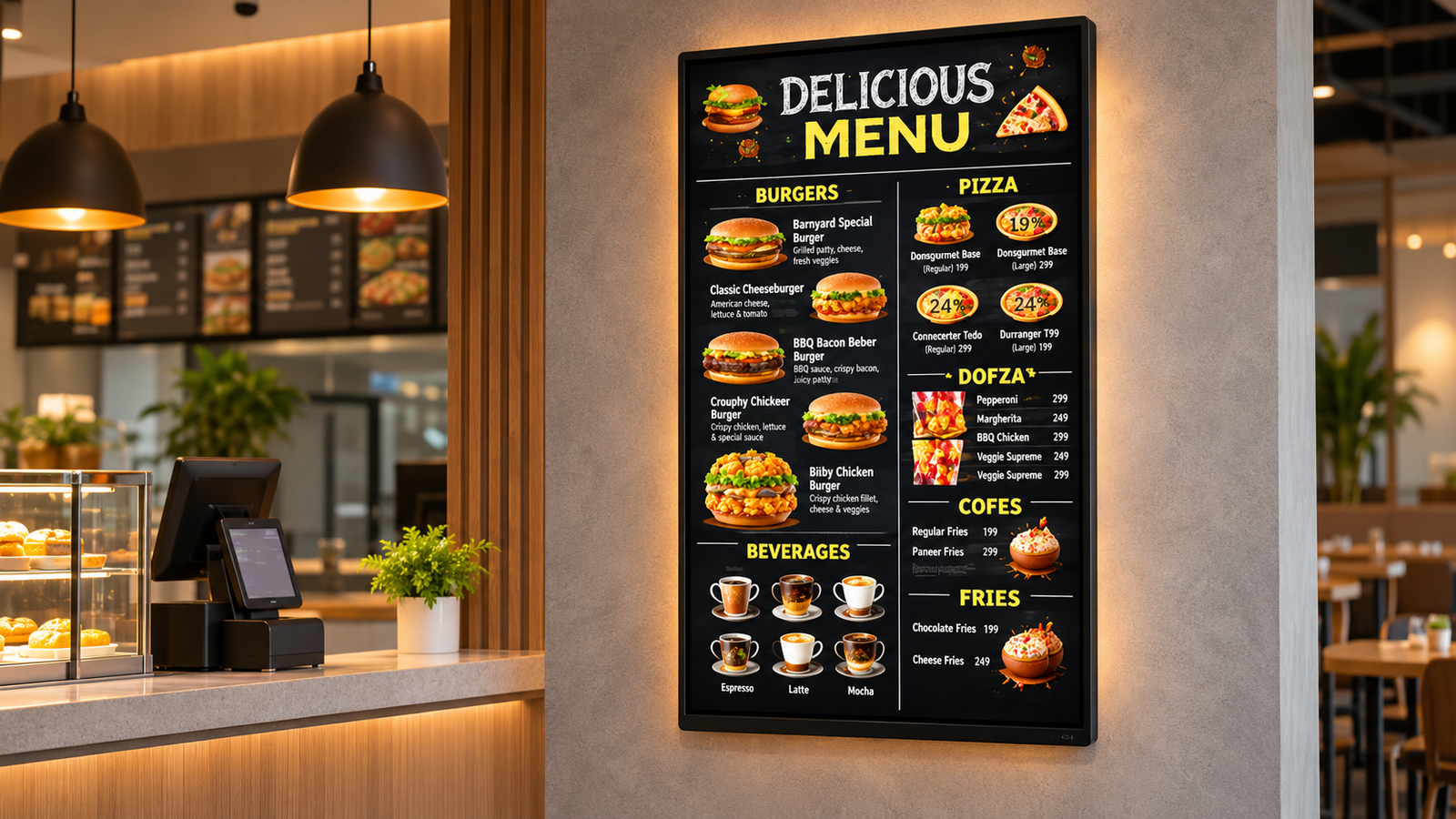
Portrait Display
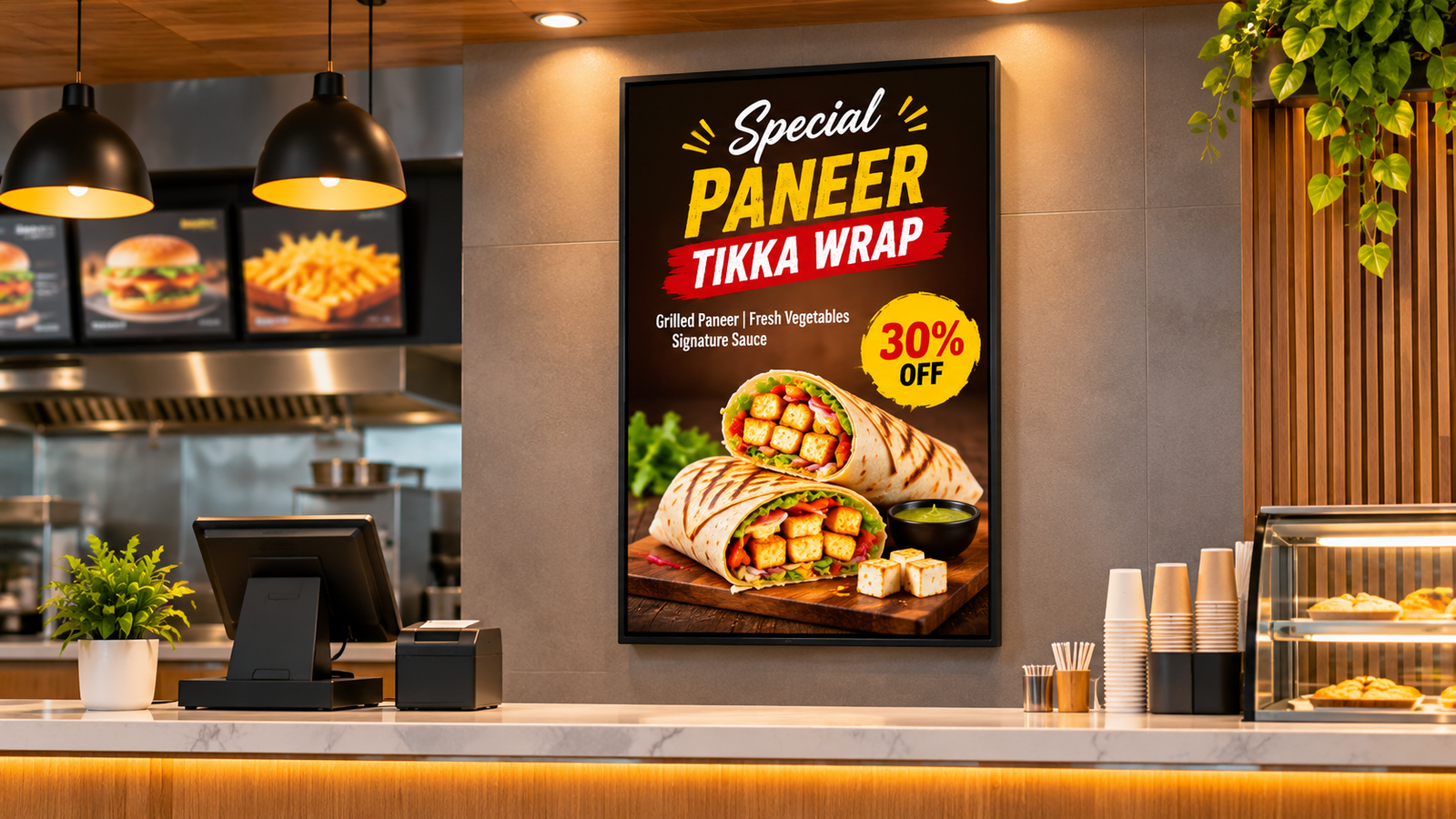
A vertical layout for promotional designs, selected menu categories and content created for portrait screens.
Landscape Display
A wider layout suitable for horizontal menu designs, multiple content areas and promotional visuals.
Split-Screen Display
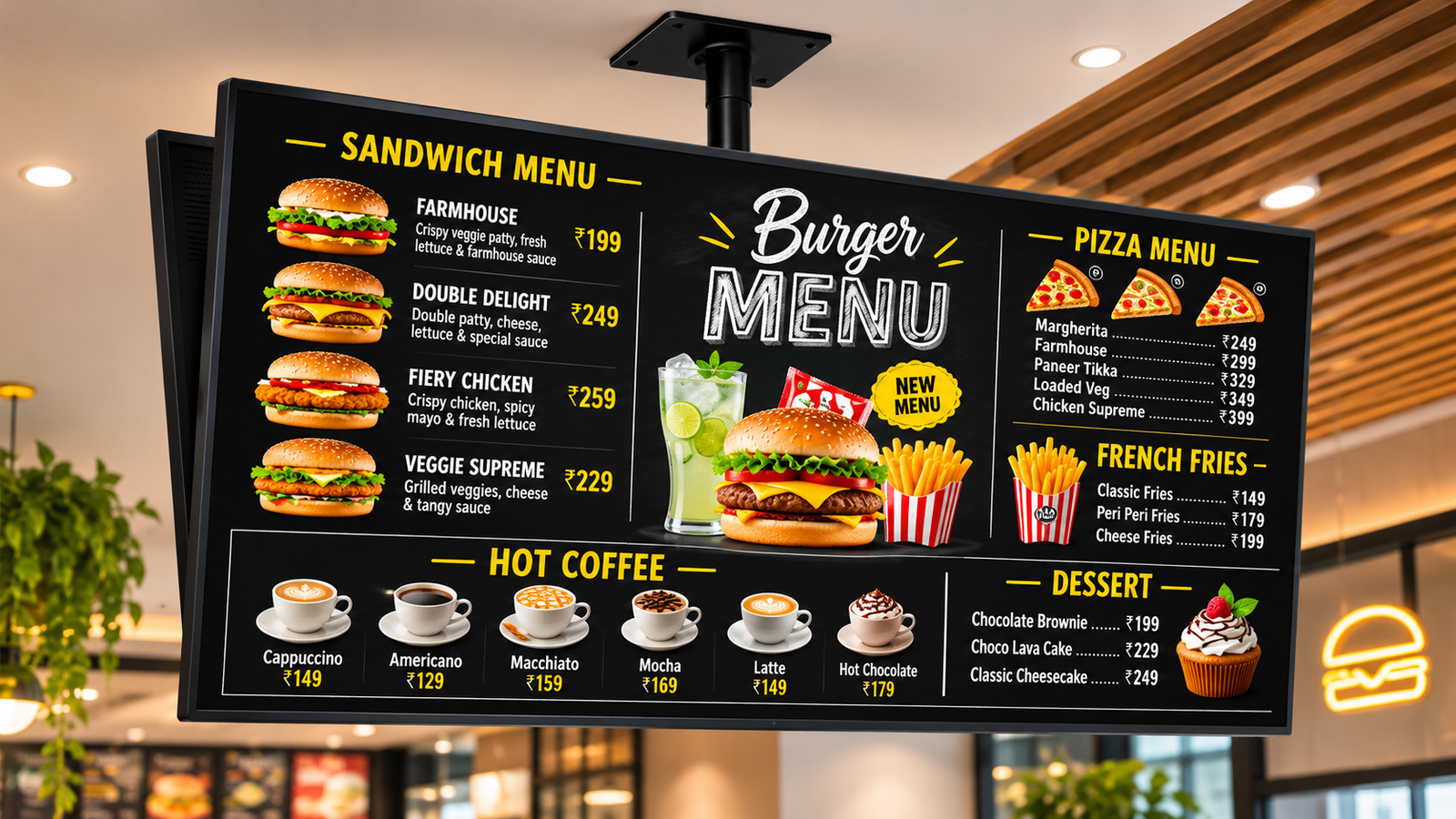
Show different content areas on one screen, where supported, such as menu items, offers and scrolling messages.
Digital Menu Board Sizes for Different Business Needs
Select a screen size based on your available wall space, customer viewing distance and the amount of information you want to display.
Features That Make Menu Management Easier
Present your menu and promotional content in a clear, flexible and engaging format. Features vary by selected hardware and software configuration.
Images & Videos
Display food photographs, product visuals, promotional videos and supported media formats.
Remote Management
Manage content remotely through the compatible content management system.
Multiple Tickers
Show scrolling announcements, offers and messages where ticker functionality is supported.
Split-Screen Layout
Divide a screen into separate content areas on supported display configurations.
Playlist Management
Organise media into playlists for a structured content presentation.
Content Scheduling
Schedule selected content for different times, subject to software capability.
Orientation Support
Choose portrait or landscape orientation according to the selected display model.
Online & Offline Options
Some configurations support local playback; internet may be needed for remote updates.
Manage Your Digital Menu Content with Ease
A digital menu board combines display hardware with content management software. With compatible software, your team can organise images and videos, update menu information and manage supported screens from a central interface.
Ask our team to confirm the software features available with your selected model.
Ask About Content Management →
Digital Menu Boards for Different Businesses
Present menus, products and promotions in a format that suits your business and customer environment.
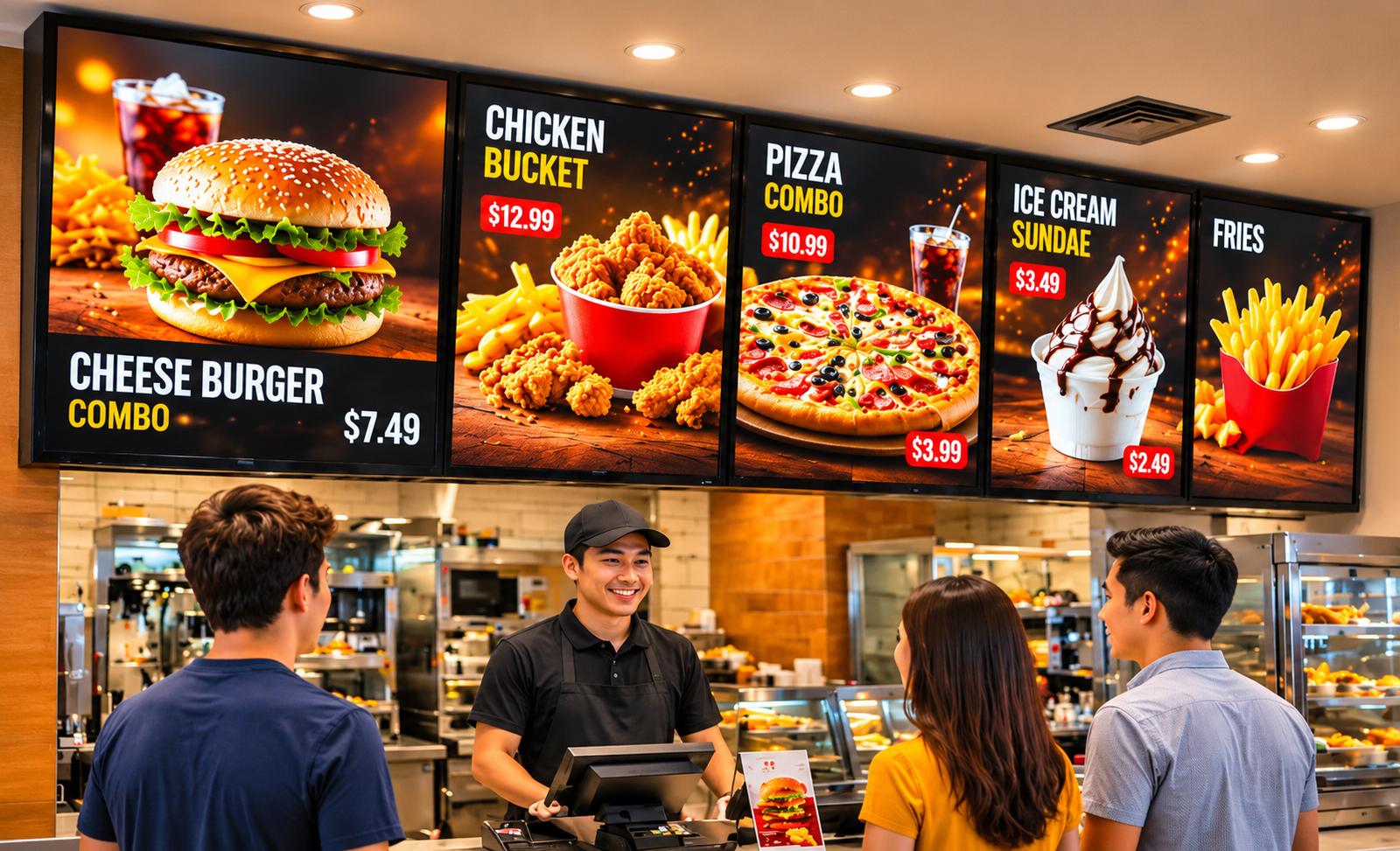
Restaurants
Display food menus, combo meals, prices, chef specials and daily offers near ordering counters.
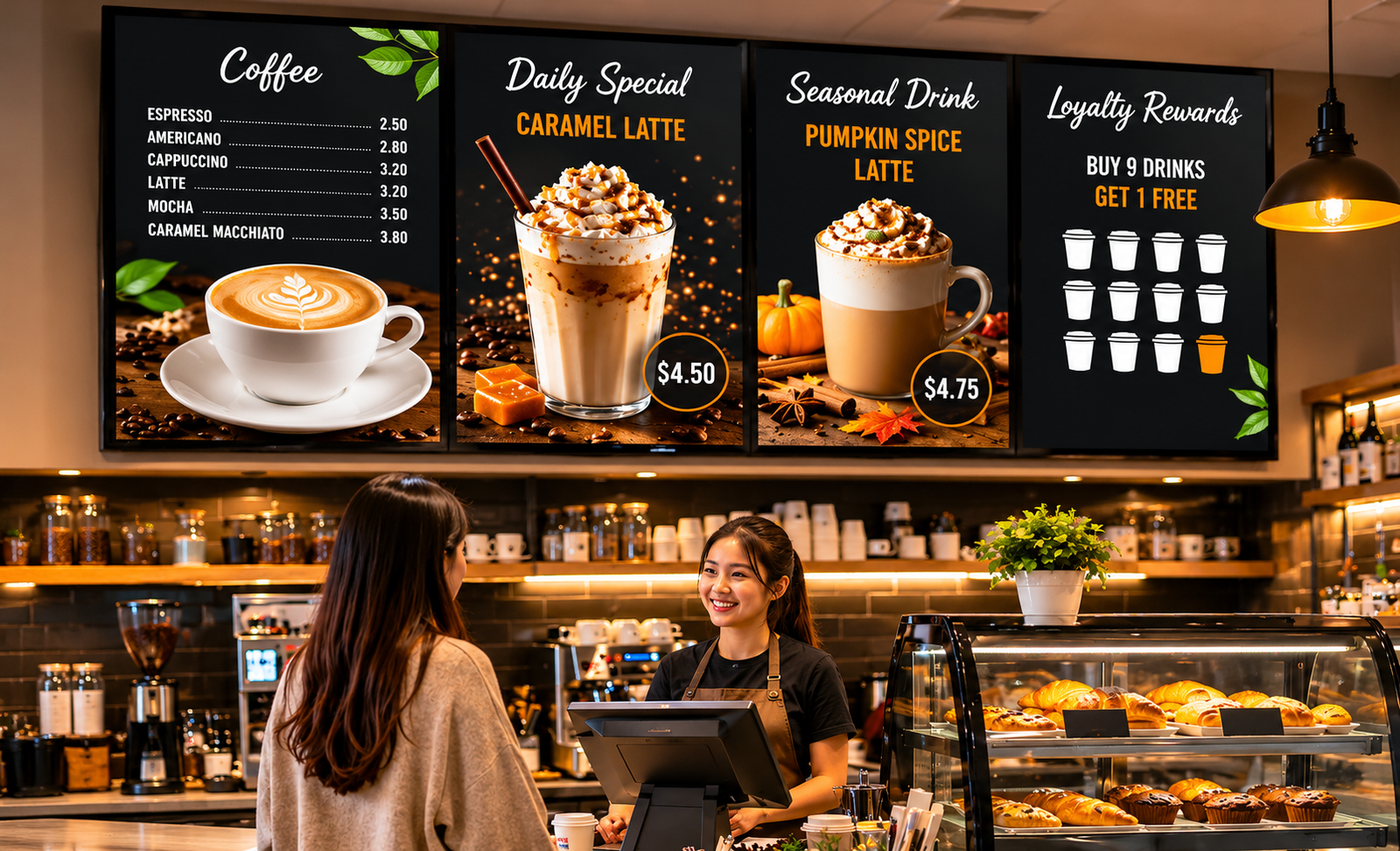
Cafes
Show coffee options, beverages, desserts, seasonal drinks and new product promotions.
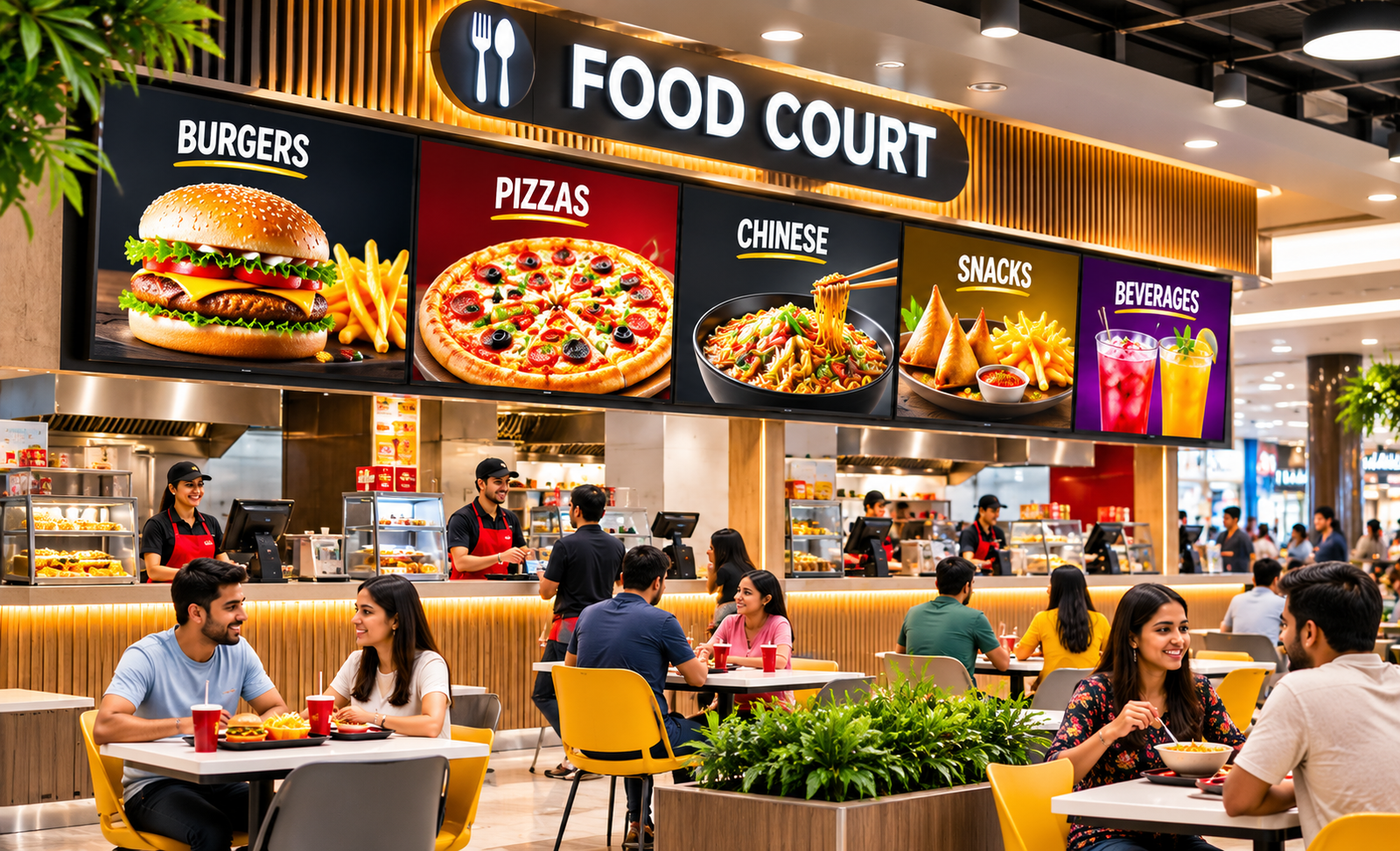
Food Courts
Use multiple displays for different food categories, counters and promotional messages.
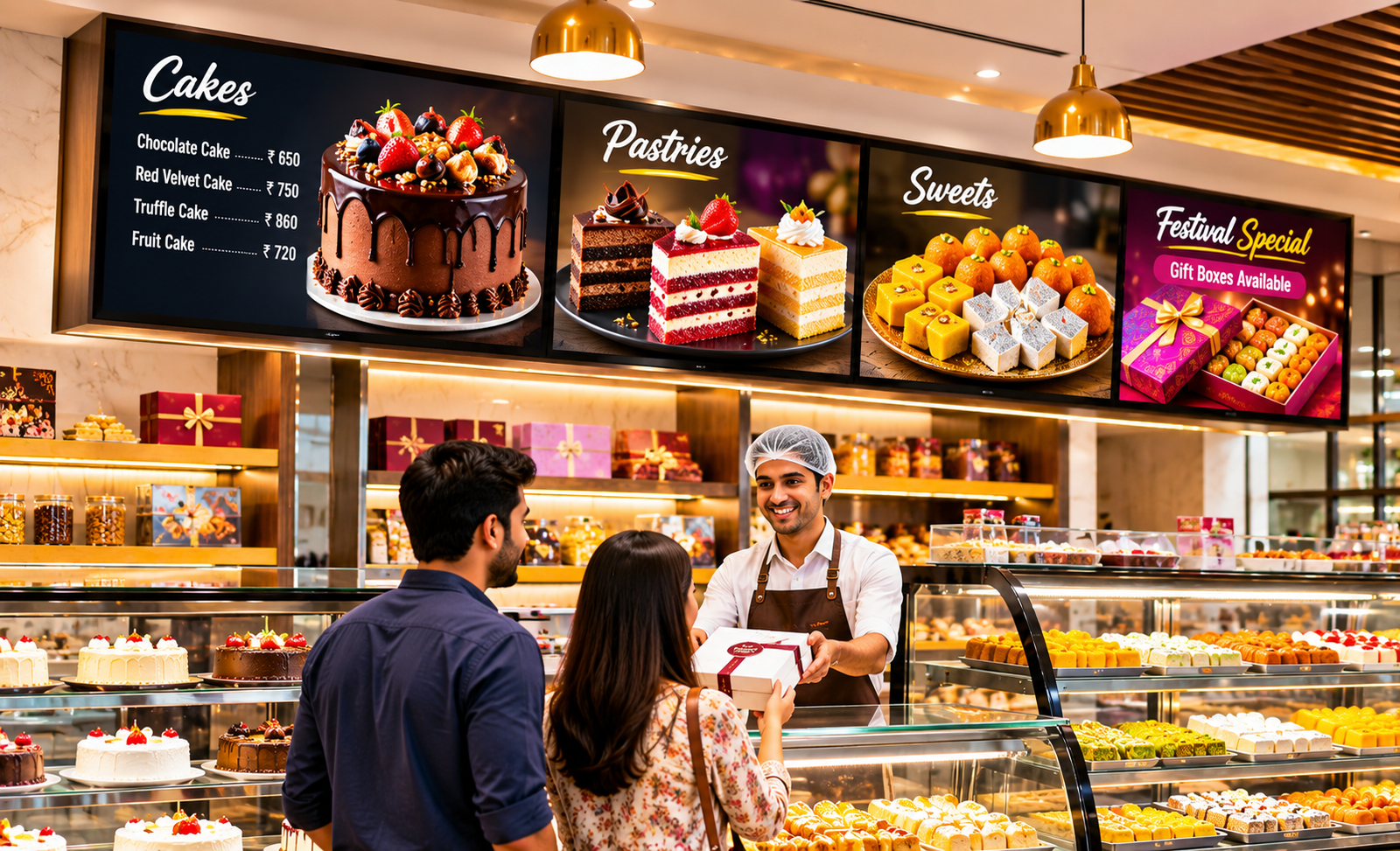
Bakeries & Sweet Shops
Highlight cakes, pastries, sweets, snacks, seasonal collections and festival offers.
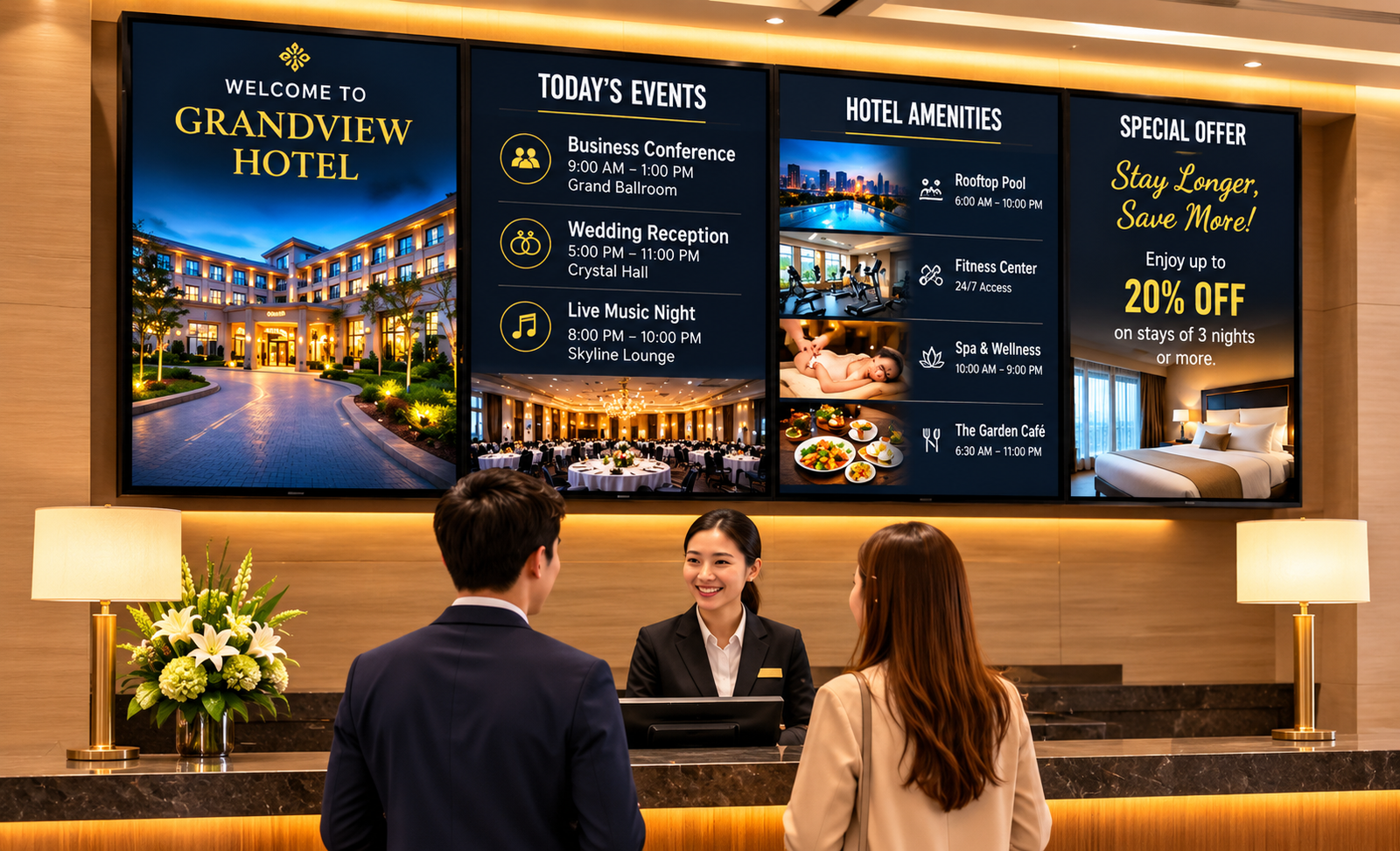
Hotels
Share restaurant menus, dining information, meal timings and selected guest information.
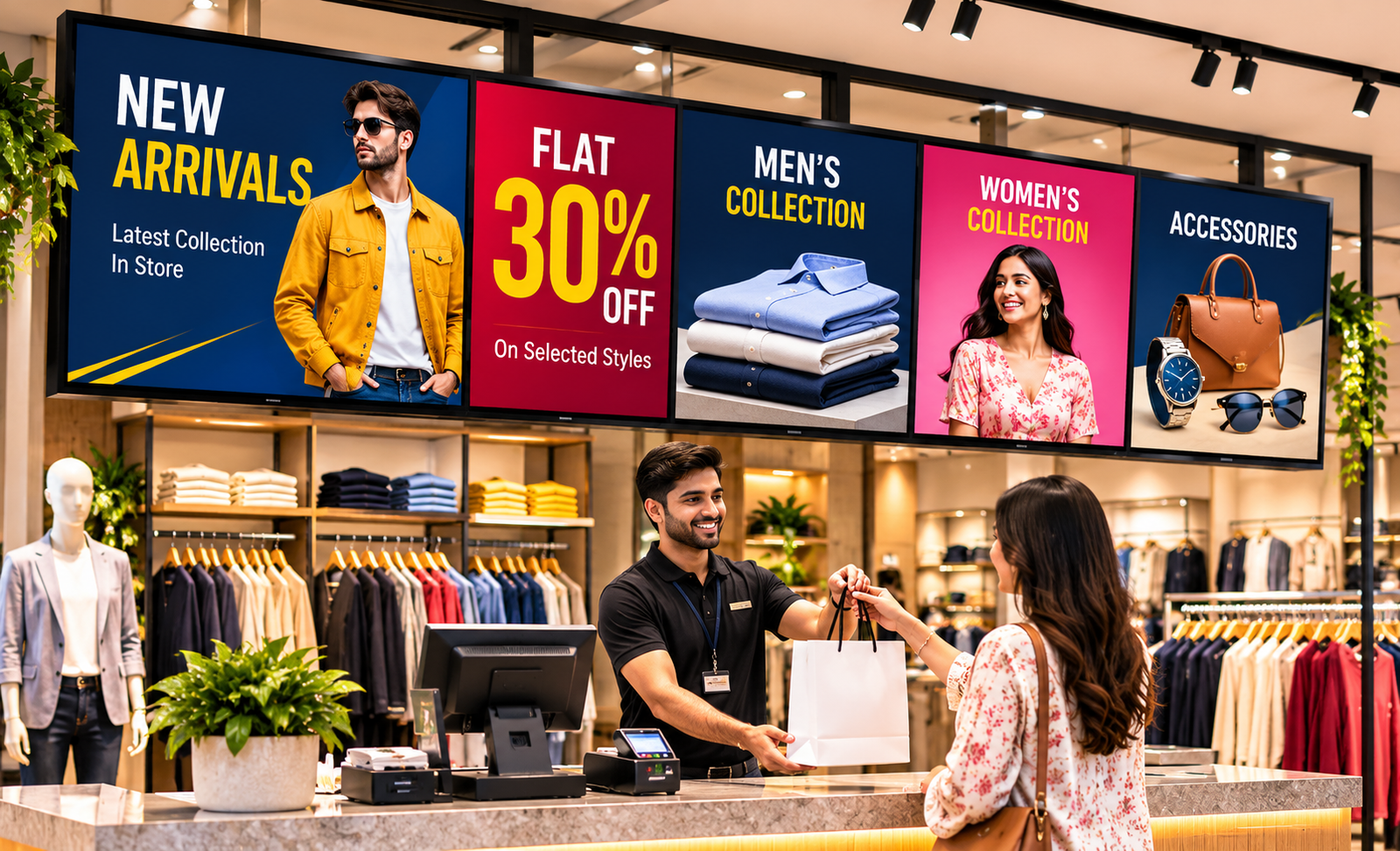
Retail Businesses
Promote products, prices, new arrivals, discounts and in-store announcements.
Digital Menu Board vs Traditional Printed Menu
Understand how a digital display can support businesses that regularly change menus and promotions.
| Feature | Digital Menu Board | Printed Menu |
|---|---|---|
| Menu Updates | Update digitally using supported software. | Usually requires reprinting. |
| Promotional Content | Can show images and videos. | Static printed design. |
| Price Changes | Can be updated in the content system. | Requires a new print or correction. |
| Content Scheduling | Available with supported software. | Not available. |
| Multiple Displays | Can be managed with supported systems. | Separate printed menus are needed. |
From Product Selection to Display Setup
Plan your display around the available space, viewing distance and content requirements.
Requirement Discussion
Share your business type, installation location, screen size preference and content needs.
Product Selection
Choose a suitable model after reviewing the available sizes, specifications and configuration.
Installation Planning
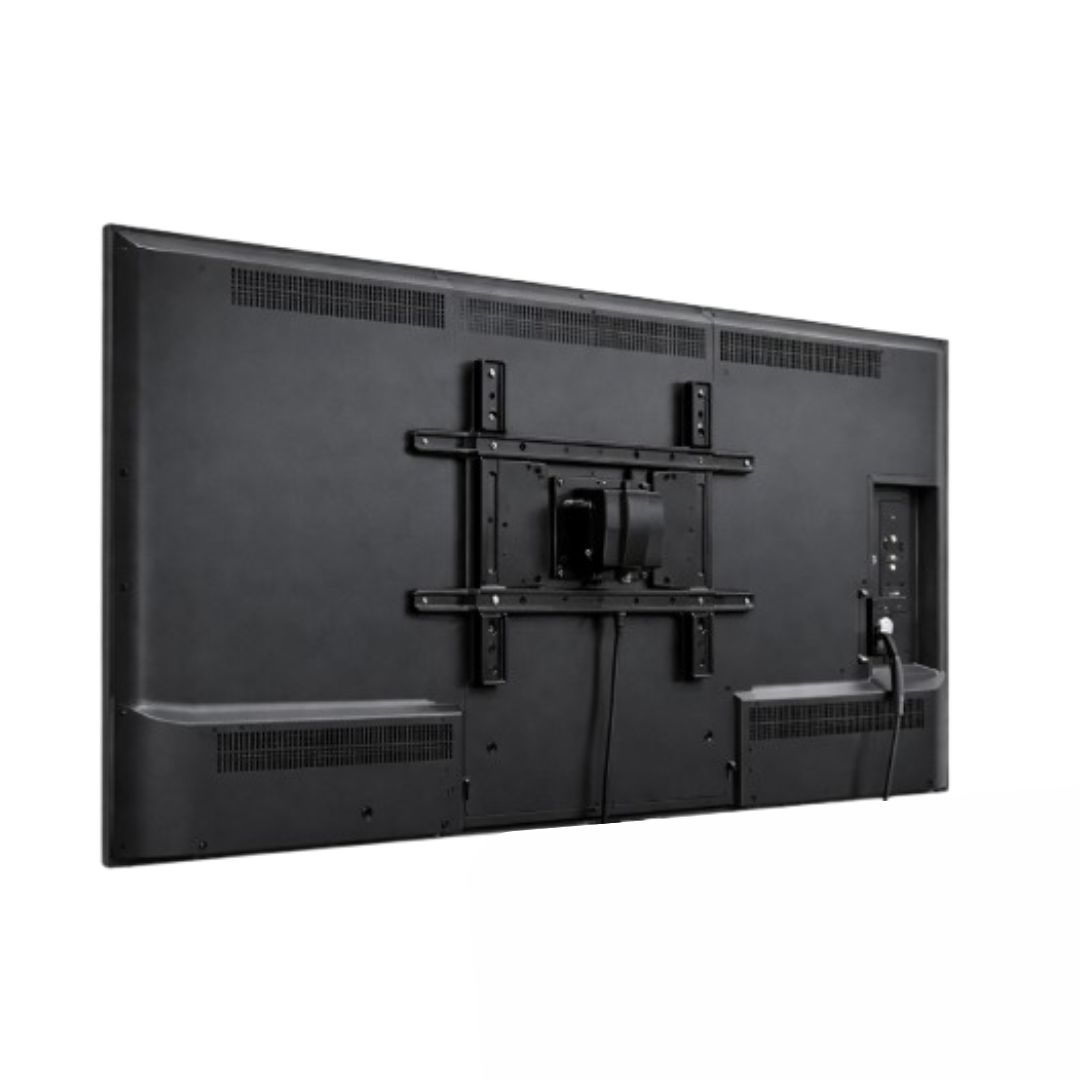
Plan wall mounting, viewing angle, power supply and installation requirements.
System Configuration
Configure the display and compatible content management software.
Content Setup
Organise menu images, videos, offers and other content for the screen.
Testing & Handover
Check the display operation and understand the basic content management process.
Frequently Asked Questions
Quick answers about digital menu boards, screen sizes, software and pricing.
A digital menu board is an electronic display used by restaurants, cafes, bakeries and food courts to showcase menus, food images, videos, prices and promotional offers. It helps businesses present their products in an attractive digital format.
Romio Technologies offers digital menu board display options in 32-inch, 43-inch, 50-inch, 55-inch and 65-inch sizes, subject to current product availability and configuration.
Yes, remote content management is available with compatible digital signage software and supported hardware configurations. You can manage images, videos, promotional content and menu information remotely.
Yes, digital menu boards can display product photographs, food images, promotional videos, advertisements and other supported media formats.
Yes, split-screen layouts are supported on compatible configurations. You can organise different content areas for menus, offers, promotional videos and announcements.
Absolutely. Digital menu boards are suitable for restaurants, cafes, food courts, bakeries, sweet shops, hotels, QSRs and other food businesses.
Portrait and landscape display orientations are available on supported models. The suitable orientation depends on the selected screen and installation configuration.
Digital menu board prices depend on screen size, display specifications, hardware configuration, software requirements and installation needs. Contact Romio Technologies for a customised quotation.
Some supported configurations allow local or offline content playback. Internet connectivity may be required for remote updates and online content management features.
Yes, Romio Technologies provides digital display solutions with installation support and 3 Years On-Site Warranty, subject to applicable product warranty terms. Service support is available across India.
Ready to Upgrade Your Menu Display?
Tell us about your restaurant, cafe, food court or retail business. Our team can help you explore suitable screen sizes, product configurations and content management options.
- ✓ Explore available digital menu board models
- ✓ Discuss screen sizes and technical specifications
- ✓ Understand content management requirements
- ✓ Request product details and a quotation
- ✓ Get installation support and 3 Years On-Site Warranty
Request a Callback
Our team will review your enquiry and contact you regarding your digital menu board requirements.